
YouTube Revenue Calculator: Estimate Ad Income from Views and RPM
Contents
If you run a YouTube channel — or you're just getting started — you've probably wondered how much you make per view, or how much of 100,000 views actually lands in your bank account. YouTube ad revenue isn't a fixed rate multiplied by views. It varies a lot based on CPM and RPM, where your viewers live, video length, and the advertiser's category. This guide covers the difference between CPM and RPM, how to calculate estimated earnings yourself, the YouTube Partner Program (YPP) requirements, and tips for optimizing revenue.
Summary
- ① CPM is the rate advertisers pay per 1,000 impressions. RPM is the net revenue you actually get paid per 1,000 views.
- ② You can calculate estimated earnings by day, month, and year yourself with the formula "(daily views ÷ 1,000) × RPM."
- ③ You'll also see the YPP eligibility requirements, how rates differ by country and category, and revenue optimization tips.
1. Why YouTube Revenue Isn't Proportional to Views
The first step in understanding YouTube revenue is separating CPM, an advertiser-side metric, from RPM, the real metric on the creator side. Both are based on "mille" (Latin for 1,000), but what they apply to and how they're calculated are completely different.
CPM (Cost Per Mille: cost per 1,000 impressions)
CPM is the ad rate an advertiser pays YouTube to show their ad 1,000 times. For example, if a video's CPM is $10 (about 13,000 won), that means the advertiser pays 10 dollars in ad spend when an ad in that video is played 1,000 times.
That rate isn't paid to you as-is, though. YouTube takes roughly 45% of total ad revenue as a fee for providing the platform and running the service.
RPM (Revenue Per Mille: creator revenue per 1,000 views)
RPM is the metric that matters most to you as a creator. Not every view turns into an ad impression (Premium users, skipped ads, views with no ads placed, and so on). So RPM represents "the net revenue actually generated per 1,000 total channel views, whether or not an ad was shown."
Put as a formula: since the Google AdSense platform distributes 55% of total ad revenue collected from advertisers to creators, effective RPM is calculated like this.
RPM = {(total ad revenue × 0.55) + other revenue} ÷ total video views × 1,000
So even with the same view count, RPM differs from channel to channel depending on whether ads were shown and on other revenue sources. In the end, views alone don't tell you much about actual earnings.
2. How to Calculate Estimated YouTube Ad Revenue Yourself
If you know your daily views and RPM, you can calculate estimated earnings yourself. Below is the basic formula, plus the calculation logic written out as code.
The formula
Once you know daily views and RPM, the estimated earnings formula is:
- Daily estimated earnings = (daily views ÷ 1,000) × RPM
- Monthly estimated earnings (30 days) = daily estimated earnings × 30
- Yearly estimated earnings (365 days) = daily estimated earnings × 365
Example calculation
Say your channel averages 50,000 views a day and your average RPM is 3,000 won (about $2.30).
- Daily estimated earnings: (50,000 ÷ 1,000) × 3,000 won = 150,000 won
- Monthly estimated earnings: 150,000 won × 30 = 4,500,000 won
- Yearly estimated earnings: 150,000 won × 365 = 54,750,000 won
These numbers are just a hypothetical example to make things clearer. Your actual payout should be checked against the real data in YouTube Studio — this is a reference simulation only.
Code to calculate it yourself
The JavaScript below takes daily views and an estimated RPM and returns estimated payouts for a day, a month, and a year.
/**
 * YouTube estimated ad revenue calculator
 * @param {number} dailyViews - Average daily views
 * @param {number} rpmValue - Payout RPM per 1,000 views (won or dollars)
 * @returns {Object} Object with daily/monthly/yearly estimated earnings
 */
function calculateYouTubeRevenue(dailyViews, rpmValue) {
  // Guard clause: prevent negative input
  const validViews = Math.max(0, Number(dailyViews) || 0);
  const validRpm = Math.max(0, Number(rpmValue) || 0);

  // Convert to thousands of views
  const thousandsOfViews = validViews / 1000;

  // Calculate daily/monthly (30 days)/yearly (365 days) estimated earnings
  const dailyRevenue = thousandsOfViews * validRpm;
  const monthlyRevenue = dailyRevenue * 30;
  const yearlyRevenue = dailyRevenue * 365;

  return {
    dailyViews: validViews,
    rpm: validRpm,
    daily: Math.round(dailyRevenue),
    monthly: Math.round(monthlyRevenue),
    yearly: Math.round(yearlyRevenue),
    formattedMonthly: Math.round(monthlyRevenue).toLocaleString()
  };
}

// Example usage: a channel with 100,000 daily views and an estimated RPM of 3,500 won
const result = calculateYouTubeRevenue(100000, 3500);
console.log('일일 예상 수익: ' + result.daily.toLocaleString() + '원');
console.log('월간 예상 수익: ' + result.formattedMonthly + '원');
console.log('연간 예상 수익: ' + result.yearly.toLocaleString() + '원');
Note You can extend this logic to simulate different RPM scenarios and exchange rate fluctuations. But these results are only a reference simulation — check your exact payout against the real data in YouTube Studio.
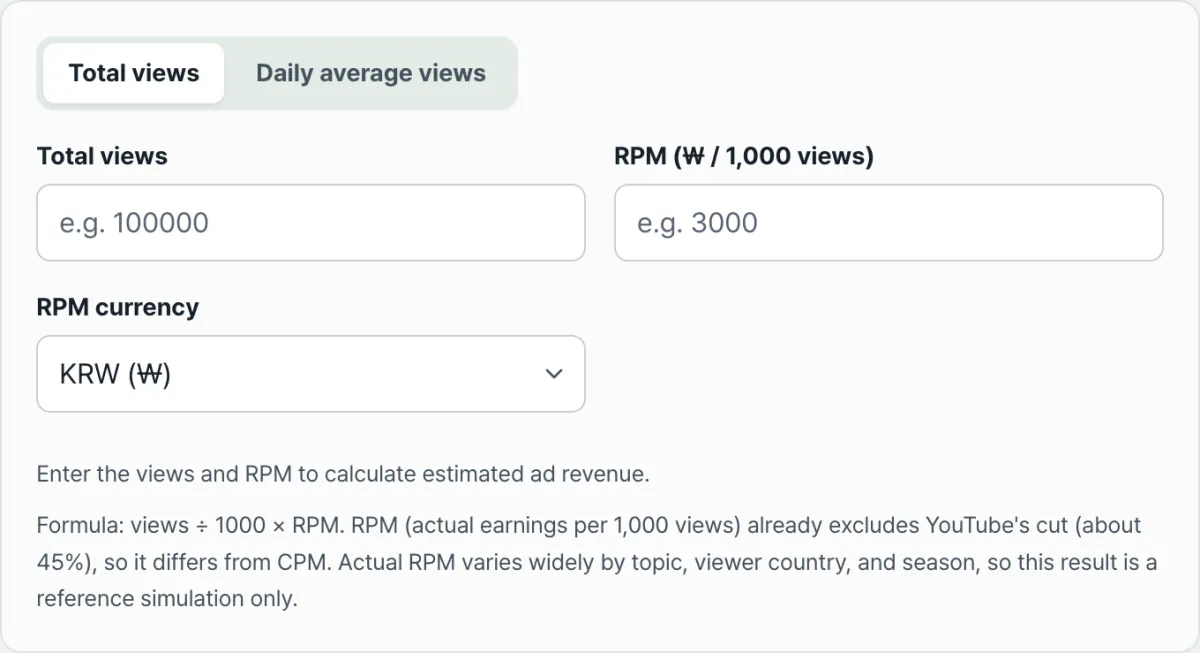
If you'd rather not move the formula and code into a calculator yourself, just enter your views and RPM and see estimated earnings by day, month, and year right away with our tool.
Enter your channel's daily views and estimated RPM, and simulate your estimated daily, monthly, and yearly ad revenue in 3 seconds.
3. YouTube Partner Program (YPP) Membership and Monetization Requirements
To get paid ad revenue, you need approval into Google's YouTube Partner Program (YPP). There are two tracks for YPP eligibility: the full monetization requirements and the partial monetization requirements.
[Track 1] Standard monetization requirements (full monetization)
These are the requirements to get paid for display, overlay, and video ads in your videos, plus YouTube Premium revenue.
- Subscribers: At least 1,000
- Watch time or Shorts views (meet one of the following):
- 4,000 valid public watch hours in the last 12 months
- 10 million valid public Shorts views in the last 90 days
- Other security and policy requirements:
- Two-step verification enabled on your Google Account
- No active Community Guidelines strikes
- An active AdSense account linked in your own name
[Track 2] Fan funding early access requirements (staged monetization)
These are relaxed requirements that let you turn on channel memberships, Super Chat, Super Stickers, Super Thanks, and shopping features first.
- 500 or more subscribers
- 3 or more public video uploads in the last 90 days
- 3,000 watch hours in the last 12 months, or 3 million Shorts views in the last 90 days
4. CPM Rate Trends by Country and Category
Even with the same 100,000 views, actual payouts can differ by several times depending on the topic (category) your channel covers and the country mix of your viewers. CPM rises in fields where advertiser bidding competition is intense, and in countries where ad rates are high.
On the category side, fields where a single advertiser stands to earn more — stocks, investing, and finance, business and startups, IT and tech reviews — tend to attract fiercer bidding, which tends to push CPM higher. Conversely, areas with relatively less bid competition, such as gaming, daily vlogs, and kids' content, often see lower CPM.
On the country side, the larger the share of viewers from countries with big ad markets and strong purchasing power — the US, Canada, Australia, the UK — the higher your CPM tends to go. A higher share of viewers from countries with smaller ad markets tends to pull CPM down.
That said, exact rates shift constantly with the season, campaign, and exchange rate, so rather than fixing on a specific dollar range, it's more accurate to use the actual RPM measured in YouTube Studio for your own channel. If you add English subtitles or English voice dubbing to grow your US and European viewership, you can expect a higher RPM for the same views compared with a channel built mostly on domestic viewers.
5. How to Optimize Your YouTube Ad Revenue
Instead of focusing only on chasing more views, you also need to optimize the payout per video (RPM). Here are methods you can apply right away.
Place Mid-roll Ads on Videos 8 Minutes or Longer
If your video is 8 minutes or longer, you can manually add extra ads in the middle of the video (mid-roll ads). Compared with a 3–5 minute video, a video of 8 minutes or more can show several ads per playback, which helps raise RPM.
Improve Retention Rate
The YouTube algorithm shows more ads the longer viewers watch your video. To keep viewers from dropping off before the end, put your key content up front and refine your storytelling structure so average view duration holds.
Target High-Value Keywords and Search Intent
Including related keywords that high-paying advertisers favor (for example, "comparison," "recommendation," "finance," "software," "review") in your titles, descriptions, tags, and script helps the system recognize your content's topic and match it with relevant ads.
Add Multilingual Subtitles and Metadata
Even for a Korean-language channel, offering subtitles (CC) in English, Japanese, Spanish, and other languages can bring in more viewers from high-rate countries overseas. As the share of overseas viewers grows, your channel's overall average RPM tends to rise too.
Pursue Brand Sponsorships and Diversify Your Pipeline
Ad revenue from Google AdSense is just one of your baseline income sources. As your channel grows, diversifying your revenue structure with brand sponsorships (PPL), your own affiliate marketing links, channel memberships, Super Thanks donations, and more lets you run a channel that's less vulnerable to outside factors.
Frequently Asked Questions
Q1. Do Shorts videos use the same revenue calculation as long-form videos?
No. Shorts show ads between short-form feed videos, and the ad revenue generated is pooled into the overall Shorts Creator Pool and then distributed based on view share. So Shorts RPM generally comes out lower than long-form video RPM.
Q2. I got 100,000 views, so why is my revenue ₩0?
Those views may have come before you were approved for the YouTube Partner Program, or the video may be set so its ad revenue goes to the copyright holder because of a music copyright claim (Content ID). You should also check whether the video is marked as made for kids or has a yellow icon (ads limited).
Q3. How does currency settlement work for the money I actually receive?
Google AdSense revenue is tallied in US dollars ($USD) and sent between the 21st and 26th of each month to the foreign currency account you designated at your bank in Korea. Exchange rate fluctuations and a foreign exchange fee (around ₩10,000 depending on the bank, or a percentage-based fee) are deducted, and the amount is deposited in won.
Summary
Once you separate CPM — what advertisers pay — from RPM — the net revenue per 1,000 views that you actually receive — you can estimate your earnings far more accurately. If you know your daily views and RPM, you can calculate expected revenue by day, month, and year yourself with the formula "(views ÷ 1,000) × RPM." Factoring in the YPP eligibility requirements and the rate differences by country and category will help you plan your channel strategy.
Keep in mind that the number this formula produces is a reference simulation, and your actual payout should be confirmed using the analytics data in YouTube Studio. If you'd rather skip doing the math every time and just enter your views and RPM to see the result right away, try the tool below.
Enter your channel's daily views and estimated RPM, and simulate your estimated daily, monthly, and yearly ad revenue in 3 seconds.
This article was adapted from our Korean original. Read the Korean original