
PNG vs WebP: Why Converting PNG to WebP Shrinks File Size
Contents
You've probably converted a PNG image to WebP and seen the file size drop noticeably, even though the image looks the same. So why does only the file size get smaller?
Summary ① PNG doesn't use a compression method built specifically for images. It relies on DEFLATE, a general-purpose lossless compression algorithm used for text, images, and anything else. ② WebP was designed specifically for images. It splits the image into small blocks and uses predictive compression that records only how much each block differs from blocks already processed nearby. ③ Even in lossless mode, WebP preserves PNG's transparent background (alpha channel) while reducing file size.
How PNG compresses images: a general-purpose algorithm
PNG's compression method (DEFLATE) wasn't actually designed just for images. It's a general-purpose compression algorithm also used for ZIP file compression. It works by finding repeating patterns in data and shortening them. It doesn't care whether the data is text or an image. It applies the same method to whatever it's compressing.
This approach has a clear advantage: it's lossless. But in photos, where colors change subtly and continuously, repeated patterns are hard to find. As a result, its compression efficiency is lower than that of formats built for images.
How WebP compresses images: it understands the image
WebP was designed for image compression from the start. It divides the image into small blocks, then records each block mainly as a difference value: how much it differs from nearby blocks that have already been processed. In photos, many blocks have colors similar to their neighbors, so these difference values are mostly small or close to zero. That lets WebP represent the image with far less data than PNG, which stores everything as-is.
WebP also supports both modes. You can choose lossless mode to keep image quality exactly the same, or lossy mode to shrink the file further by cutting out details the human eye barely notices. PNG only has lossless mode.
A PNG to WebP converter that turns your uploaded image into WebP right away and shows the file-size savings compared with the original
Why transparency stays intact
One of the main reasons people use PNG is transparent backgrounds (alpha channels). Images that need to sit on top of another screen without a background, such as logos and icons, are often saved as PNG.
WebP also supports alpha channels, so when you convert a PNG to WebP, transparent areas stay transparent. This is different from converting to JPG, where transparent areas get filled with white or another background color. That's why WebP is an option when you want to reduce file size but keep a transparent background.
How the tool handles the conversion
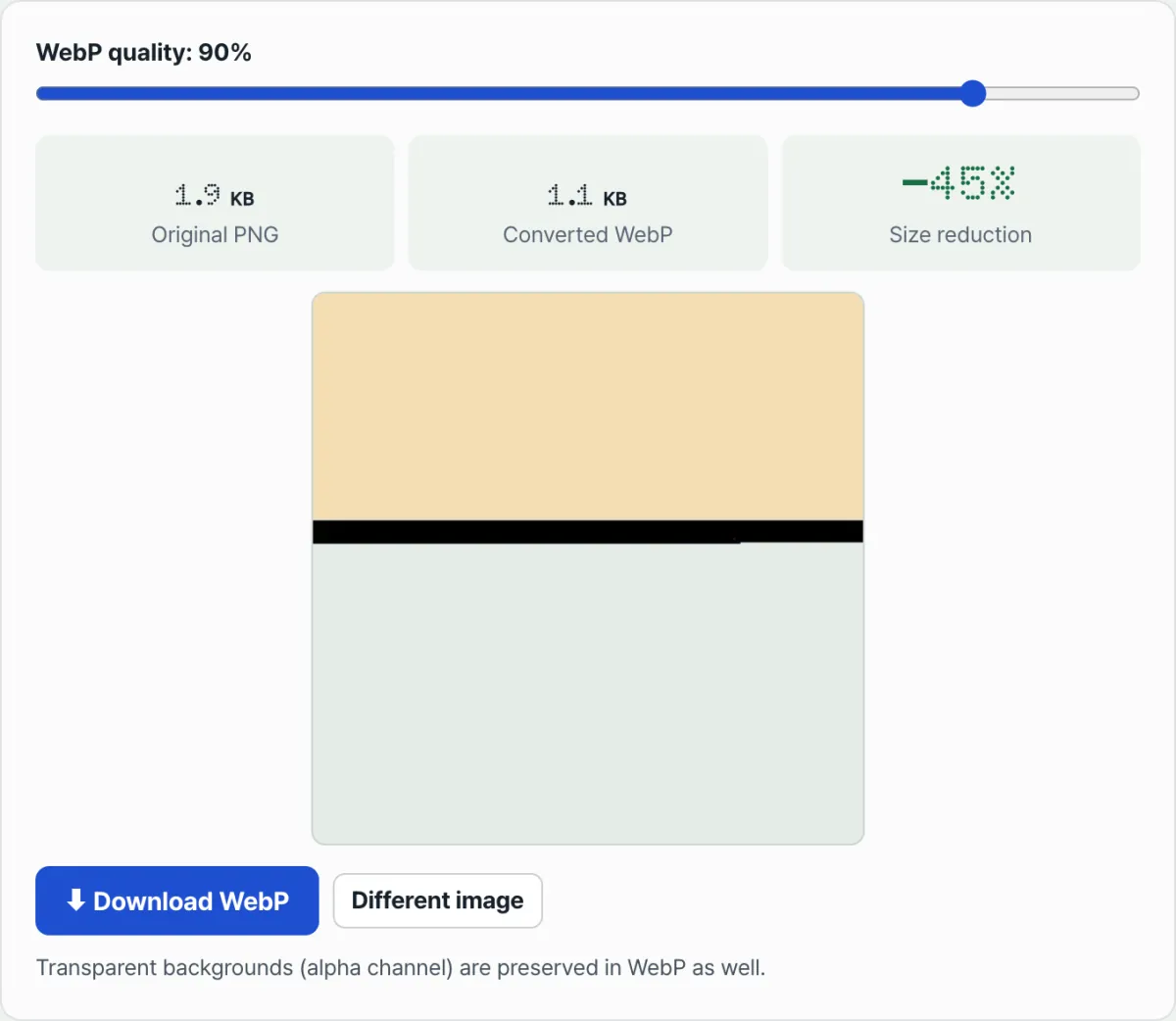
The PNG to WebP Converter draws the uploaded image to a canvas and immediately re-encodes it as WebP. There's no separate convert button; the file is processed as soon as you upload it. You can adjust compression strength with the "WebP quality" slider (30–100%). Lowering the slider reduces file size further, but lossy compression has a bigger effect.
The results screen shows the original PNG size, the converted WebP size, and the percentage saved side by side. If you upload an image with a transparent background, you can see in the preview that the transparency is preserved after conversion.
Key takeaways
- PNG uses general-purpose lossless compression (DEFLATE) rather than an image-specific method, while WebP uses predictive compression designed specifically for images.
- The more subtly a photo's colors change, the more WebP's compression efficiency outperforms PNG.
- WebP supports both lossless and lossy modes, so you can choose the balance between quality and file size for your situation.
- PNG's transparent background (alpha channel) stays intact when you convert to WebP (unlike JPG).
- The converter processes files automatically as soon as you upload them, and you can adjust compression strength with the quality slider.
A PNG to WebP converter that turns your uploaded image into WebP right away and shows the file-size savings compared with the original
Frequently asked questions
Does converting to WebP always lower image quality?
No. WebP supports lossless mode, so you can reduce file size without any loss in quality. However, if you lower the quality slider in this tool, lossy compression kicks in. That can shrink the file further, but it may also reduce image quality.
Will transparency be preserved if I convert a PNG with a transparent background to WebP?
Yes. WebP supports alpha channels (transparency information) just like PNG, so transparent areas stay transparent after conversion. Converting to JPG is different: transparent areas get filled with a background color.
Is WebP always smaller than PNG for every photo?
Most of the time, yes, but it's not an absolute rule. Images with simple colors and lots of repeating patterns (such as icons or graphics with solid backgrounds) may already be small enough with PNG's compression method, so the difference can be small. The more complex and subtly varied a photo's colors are, the bigger the advantage of WebP.
What percentage should I set the quality slider to?
It depends on what you need. If you want to preserve as much quality as possible, keep it at 90% or higher. If webpage load speed matters more, compare results in the 60–80% range and lower the slider as far as you can without seeing visible loss.
This article was adapted from our Korean original. Read the Korean original