
Why Profile Photos Get Cropped on Each Platform and How to Fix It
Contents
A photo you uploaded as your KakaoTalk profile looked fine, but the same photo on Instagram cuts off the side of your face, and when you try to use it as a YouTube thumbnail the top and bottom disappear entirely. There's nothing wrong with the photo. It happens because each platform asks for a different aspect ratio. This post explains why that happens and how to pre-crop one photo into several ratios ahead of time.
Summary ① KakaoTalk and Instagram profiles are 1:1, YouTube thumbnails are 16:9 — every platform wants a different ratio ② Most services don't detect where the face is; they auto-crop from the exact center of the photo ③ If you crop the original to the target ratio before uploading, you decide what stays in frame
Why the same photo gets cropped differently on each platform
A KakaoTalk profile photo is a 1:1 square, and an Instagram profile is 1:1 too, but it shows up as a circle on screen. A YouTube video thumbnail is a 16:9 landscape ratio, while a YouTube channel profile is 1:1 again. Same person, same photo, but the frame it ends up in has a different shape on every service.
The problem is that the original photo you upload usually doesn't match any of those ratios. Photos taken with a phone camera are typically 3:4 or 9:16, so fitting them into a 1:1 or 16:9 frame means something has to be cut. And the platform doesn't look at where the face is — it cuts based on the exact center of the photo.
Portrait photos are often shot with the face in the upper third of the frame. When a center-based crop is applied, you either lose the top of the head and forehead, or the whole area below the chin disappears. Use a vertical photo as a 16:9 YouTube thumbnail and the sides get cut so hard the person gets pushed out of the frame.
How to crop to the ratio you want before you upload
Instead of letting the platform crop for you, crop the photo yourself to the ratio you want before uploading, and you decide which part stays. The method: check the original pixel dimensions, calculate the size that matches your target ratio, and keep only that area.
For example, if a vertical photo is 3024x4032 pixels (width x height), then for a 1:1 square you use the smaller value, 3024, and keep 3024 of the height too, which leaves 1008 pixels to remove — split between the top and bottom however you like. If the face is in the upper part, take more off the bottom.
If you need a 16:9 thumbnail, it works the other way. Using the 3024 width, keep only 3024 times 9 divided by 16 in height, which is about 1701 pixels. Type those values directly into the crop tool of your photo editor and you'll cut exactly where you calculated.
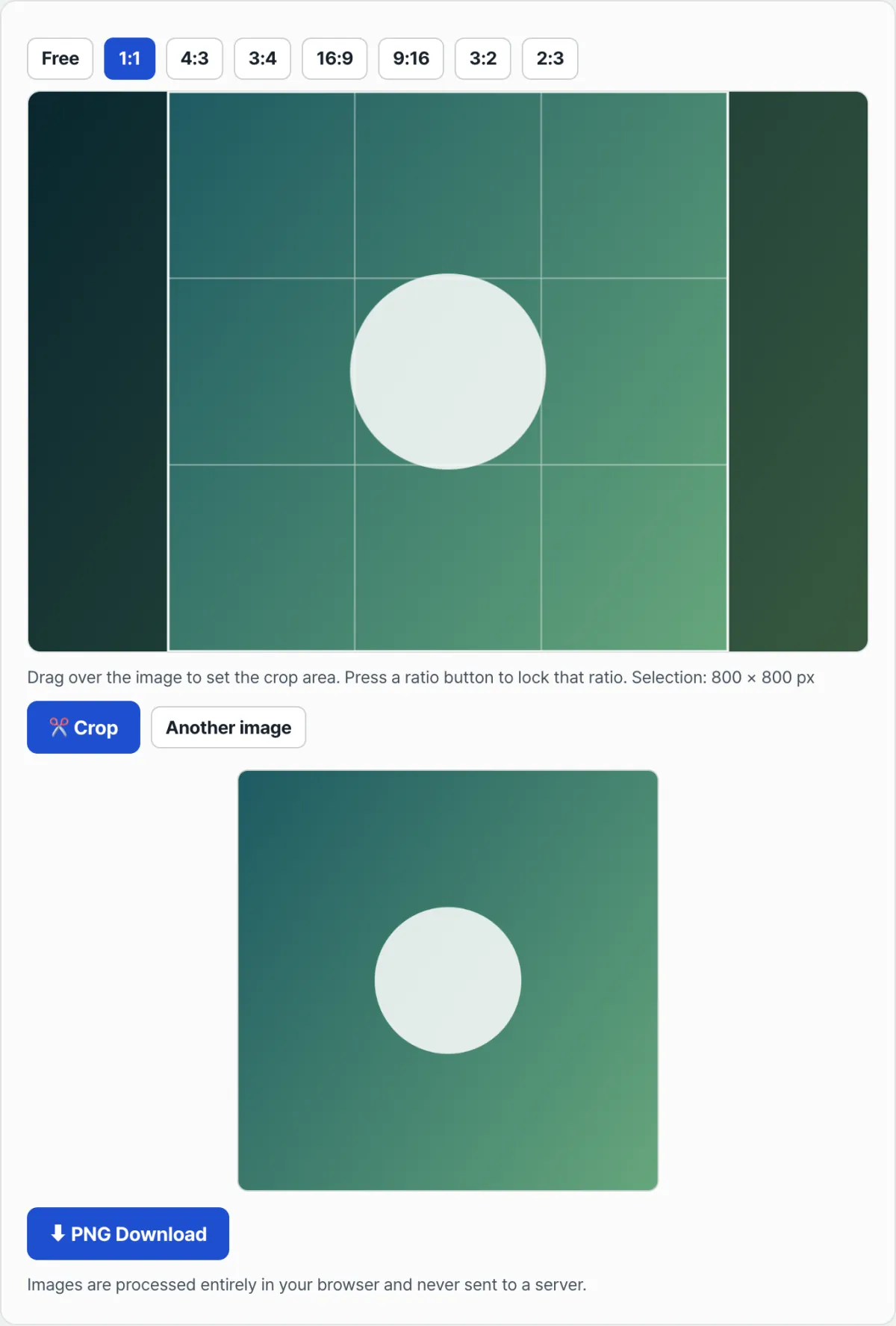
Check it with our free tool, Image Cropper. Upload the original, pick a ratio button like 1:1, 4:5, or 16:9, then just drag the rectangle where you want it. No pixel math — save the cropped image right away.
Free · No sign-up · Pick your ratio and download right away
Common snags
| Situation | Why it happens |
|---|---|
| The face gets cut off when you use a vertical photo as a YouTube thumbnail | Vertical photos are 3:4 to 9:16, but a thumbnail is 16:9, so the sides have to be cut so much that the person gets pushed out of the frame |
| Your Instagram profile looks round, but you have to crop it square | It's saved as a 1:1 square. The four corners are only masked into a circle when it's displayed on screen |
| Same photo is fine on KakaoTalk but cropped on Instagram | The two services leave different margins on the top, bottom, and sides when they auto-crop |
The short version
- KakaoTalk and Instagram profiles are 1:1, YouTube thumbnails are 16:9 — the required ratio differs by platform.
- Most auto-cropping ignores where the face is and cuts from the exact center of the photo.
- Check the original pixel dimensions and calculate the size for your target ratio, and you can keep the part you want even by hand.
- If you plan to use the same photo on several platforms, it's easier to pre-crop and save a separate file for each ratio you need.
Free · No sign-up · Pick your ratio and download right away
FAQ
If I crop to a square, won't Instagram push part of the photo outside the circle?
Instagram only cuts the four corners of the stored 1:1 square image to show it as a circle. As long as the face and important parts are centered inside the square, nothing gets cut off in the round view.
Can I use one photo for both a YouTube thumbnail and a channel profile picture?
The ratios are different — 16:9 versus 1:1 — so if you use a single image in both places, one of them will definitely get cropped. It's safer to crop each ratio separately and save two files.
This article was adapted from our Korean original. Read the Korean original