
SVG vs CSS Blob Shapes: Why Curves Differ and How to Plot Them
Contents
When you need a water-drop shape for a hero background or an avatar mask, a quick search gives you two options: the CSS border-radius trick and the SVG path approach. They look similar on screen, but they build curves in completely different ways, so the range of shapes you can get out of them is different too. This post walks through that structural difference at the code level, then shows you how to work out the coordinates by hand, with no tool at all.
Summary ① CSS border-radius gives each of the four corners one horizontal and one vertical radius, so you only get 8 values total — which caps the number of curves at 4. ② An SVG path blob places as many points around a circle as you want, so the number of curves is fully up to you. ③ Once you know the math that connects those points with smooth curves (the Catmull-Rom to Bezier conversion), you can pull the coordinates yourself without any tool.
The problem: blobs all start to look the same
Maybe you've grabbed a value like border-radius: 30% 70% 70% 30% / 30% 30% 70% 70% from a search result and pasted it into a hero section. You can shuffle the numbers all you want, and the result still doesn't stray far from four puffed-up corners.
Meanwhile, the blobs you see in design references have 6 or 8 curves and look far more organic. If you don't know why CSS struggles to reach that complexity, your only option is to tweak values at random and eyeball it.
The fix: the two methods build curves in fundamentally different ways
border-radius gives each of the four corners (top-left, top-right, bottom-right, bottom-left) one horizontal radius and one vertical radius. The four values before the slash (/) are the horizontal radii and the four after it are the vertical radii, so that's 8 values at most. Each corner ends up being a single elliptical arc, which means no matter how you change the numbers, the curves can never exceed the number of corners: 4.
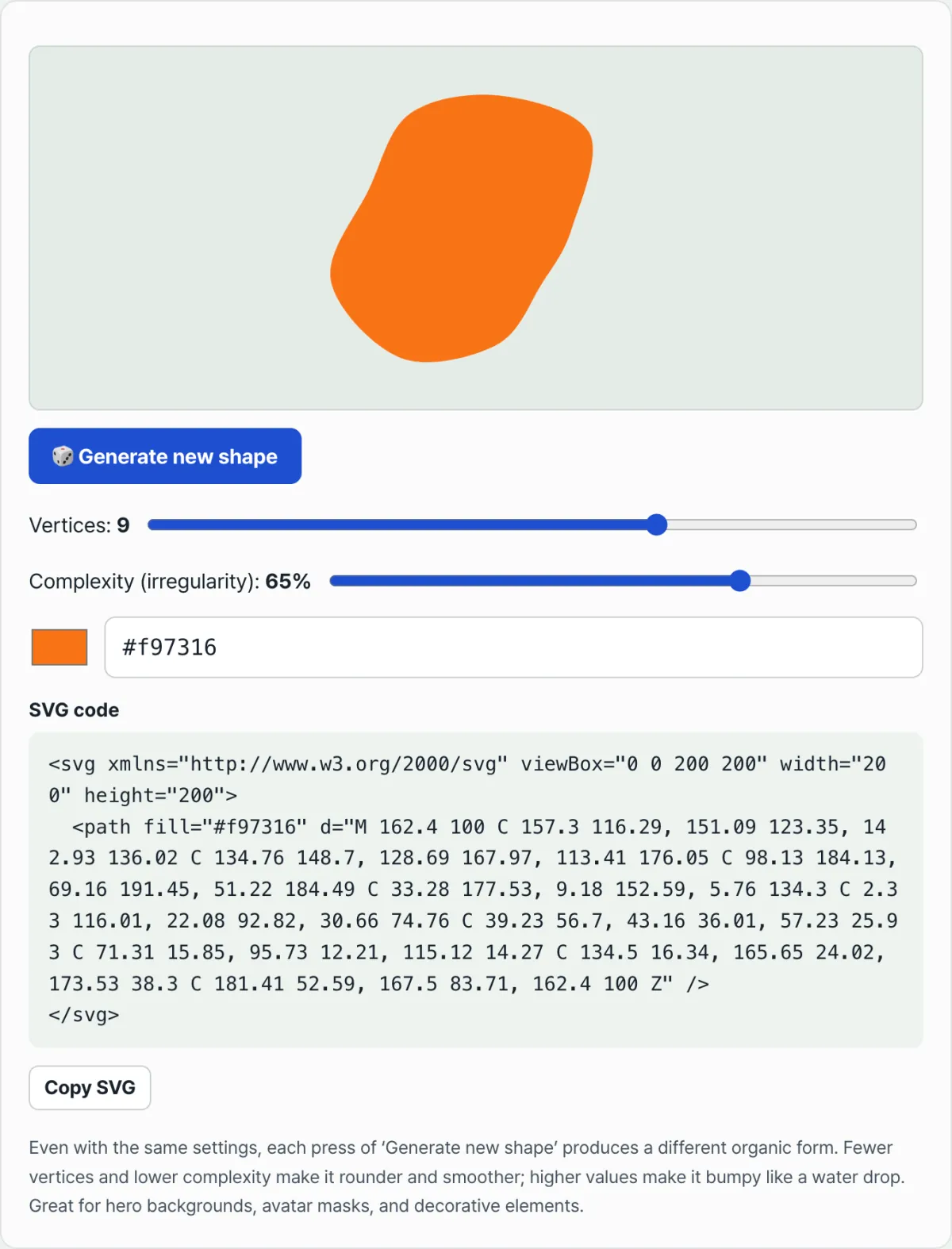
An SVG path blob builds curves differently. You place n points around a circle (this tool lets you go from 3 to 12), then push each point's radius in or out by a random number between -1 and 1 multiplied by a complexity ratio (5–90%). With 6 points you can get up to 6 curves, with 9 points up to 9 — it structurally breaks past the 4-curve limit of border-radius.
Connect those points with straight lines and you just get an angular polygon. So for each segment (current point → next point), you compute two control points based on the positions of the neighboring points, then join them with a cubic Bezier curve. That calculation is the Catmull-Rom spline to Bezier conversion formula.
If you want to pull the coordinates yourself, just follow these steps in order.
- Pick a center point and a base radius.
- Divide 360 degrees by the number of points n to get each point's angle (i/n × 360 degrees).
- Add or subtract a random number between -1 and 1, multiplied by the complexity ratio, from each point's radius.
- Use the angle and radius to get each point's x and y coordinates (x = center x + cos(angle) × radius).
- Compute the control points for each segment: control point 1 = current point + (next point − previous point)/6, control point 2 = next point − (point after next − current point)/6.
- After M start point, chain C control point 1 control point 2 next point once per segment, then close with Z.
As long as you can do a little trigonometry, you can pull these coordinates in a spreadsheet or a text editor and finish the SVG code by hand. The catch is that every extra point multiplies the number of angles, coordinates, and control points you have to work out.
Check it with our free tool. A single 9-point blob means 9 coordinate pairs and 18 control points to compute by hand. With two sliders and one click, you get the same result instantly.
Free · No sign-up · Just adjust points, complexity, and color and the SVG code appears right away
Where people get stuck
| Situation | Cause | How to check |
|---|---|---|
| Changing the border-radius numbers never gets past 4 curves | The 8 values can only be distributed across 4 corners as horizontal and vertical radii — that's the whole structure | If you need 5 or more curves, skip border-radius and use clip-path: polygon() or an SVG path instead |
| The point count and complexity stay the same, but the shape changes every time you click | Each press of "Generate new shape" draws fresh random numbers to add to the radii | If you want to see the same shape again, copy or save the SVG code (the coordinates) at that moment |
| You lowered the complexity but one side still looks pointy | With few points, each curve has to cover a wider angle, so it can't flatten out easily | Raise the points to 6 or more first, then check |
| The SVG blob looks like a different proportion when you drop it in at another size | Path coordinates are relative to the viewBox, so they're set independently of the actual display size | Leave the viewBox numbers alone and change only the tag's width and height to check the size |
Wrapping up
A border-radius blob and an SVG path blob can look alike, but the number of spots where they can bend is different by design. border-radius is locked to 4 corners, one horizontal and one vertical radius each, for 8 values total. An SVG path can have as many curves as it has points.
If you need a curvy, organic shape, the path-based approach is structurally the better bet. If you just want softly rounded button corners, border-radius is plenty. Once you know the principle, you can pick the right method for the number of curves you want instead of tweaking numbers on instinct.
Free · No sign-up · Just adjust points, complexity, and color and the SVG code appears right away
FAQ
Can I use blob shapes without worrying about copyright?
Yes. They're pure SVG shapes that a math formula computes and the browser draws on the spot, so image copyright isn't an issue. Still, it's safer to give the result a quick look before you use it and make sure it doesn't resemble a specific brand's logo.
Why does the shape change every time I press "Generate new shape" when the points and complexity are the same?
Because each press draws a new random seed and jitters each point's radius again. The point count and complexity only set how many curves there are and how bumpy they get; the actual coordinates are recalculated for each seed.
Can't I get 5 or more curves with border-radius?
Not with the standard border-radius property. There are only 4 corners, and the number of curves is tied to that. If you need 5 or more curves, build an angular polygon with clip-path: polygon(), or draw the shape outline with an SVG path itself.
Can I make an SVG blob color semi-transparent?
Yes. Add a two-digit alpha value after the HEX color code you use for fill. For example, #6366f180 is an indigo at about 50% opacity. It's handy for layering a subtle texture over a background.
This article was adapted from our Korean original. Read the Korean original