
SVG Filter vs CSS Filter: Where the Effect Gets Saved
Contents
When you want to blur an image or a shape, one line of CSS — filter: blur(10px) — seems like all you need. CSS filter functions handle brightness, contrast, and saturation too, so it's fair to wonder why you'd bother learning SVG filters at all. The two approaches look identical on screen, but they differ in where the effect is stored, and that's what decides which one you should reach for.
Summary ① CSS filter is a style rule that belongs to a specific web page, so once you leave that page's CSS (say, by opening the file on its own), the effect disappears ② An SVG filter stores the filter definition inside the image file itself, so it looks the same no matter which program opens it ③ When you stack multiple effects, an SVG filter combines them precisely in a single formula, giving you finer control than chaining several CSS functions together
If CSS filter can do it, why does SVG filter exist?
CSS filter functions like blur, brightness, contrast, saturate, hue-rotate, sepia, and invert were actually built to reuse the computation methods that SVG filters defined first — primitives such as feGaussianBlur, feComponentTransfer, and feColorMatrix. The matching names are no coincidence. CSS filter is essentially a convenient way to move part of SVG filter's functionality into page style syntax.
But something changes in that move. CSS filter always applies as a style rule on a specific HTML element. In other words, the instruction "apply this effect to this element" exists only inside that page's CSS. An SVG filter, by contrast, puts the filter definition itself inside the image file (the svg document) and links the shape directly to that definition.
The difference shows up the moment you move the svg file outside the page it was sitting in. An effect applied with CSS vanishes along with that page's styles, but a filter stored directly inside the svg file is part of the file's own data, so it stays with the file wherever it goes.
How to check it: see the difference between the two approaches for yourself
The easiest way to check is to test both approaches on a single svg icon file. First, load an svg into a web page with an img tag and apply filter: blur(4px) with CSS. It clearly looks blurred on screen, but if you download that svg file and open it in another image viewer or design program, the blur is gone.
Now try the reverse. Open the svg source code, point the shape tag's filter attribute directly at url(#blur), and save that filter definition inside the same file. A file built this way keeps the blur whether you open it in another program or move it to another web page.
Combining several effects at once shows a difference too. CSS filter applies brightness(1.2) contrast(1.1) invert(0.3) one on top of another in the order you list them, but an SVG filter can add those values up in advance into a single formula (feComponentTransfer) and apply it all at once. Working that formula out by hand means deriving a slope and an intercept for each one, which is a hassle.
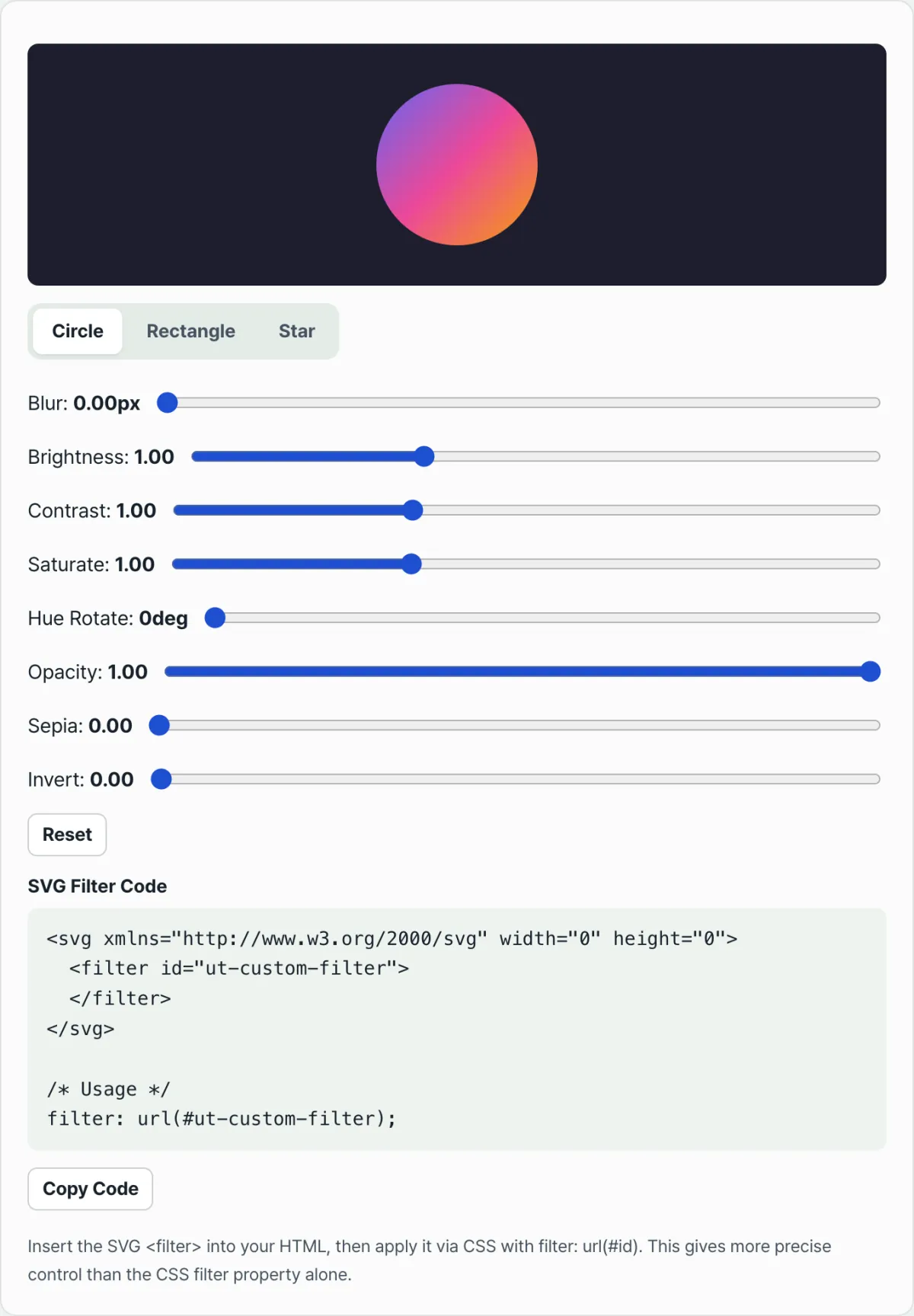
Try it with our tool. You can skip the math and the code writing and just move sliders, watching the result apply instantly to a circle, square, or star, while the SVG filter code is generated for you.
Free · no sign-up · build SVG filter code in your browser with sliders
Common sticking points
| Situation | Cause |
|---|---|
| You applied a CSS filter to an svg icon, but the effect disappears when you download just the file | CSS filter is a page style rule, so it isn't stored in the file itself |
| CSS filter is ignored in email templates or by some PDF converters | Renderers that don't parse external stylesheets only recognize filters stored directly inside the svg |
| You applied brightness, contrast, and invert as separate CSS functions, and the numbers came out different than expected | CSS functions stack in the order you list them, so values accumulate; for precise results, calculate them in a single formula ahead of time |
| You want to apply the effect to the svg shape itself (like a star) rather than a png | Linking the filter attribute directly to the shape tag computes it in vector coordinates, so it holds up when you scale up |
Every situation in the table comes from the same reason. CSS filter is page style; SVG filter is file data. If you can just tell whether the effect needs to stay inside the file, you won't be confused about which one to use.
Wrapping up
CSS filter and SVG filter share the same computations, but they store the effect in different places. CSS filter is a style rule for a particular page, and an SVG filter is data saved inside the image file itself.
If the effect only needs to live inside a web page, CSS filter is enough. But if the file will be moved around, the effect needs to survive in other programs, or you need to combine several effects with precise values, SVG filter is the right choice.
Free · no sign-up · build SVG filter code in your browser with sliders
Frequently asked questions
CSS filter and SVG filter look like the same result: are they really different?
With the same values, the result on screen looks nearly identical. The difference is that CSS filter exists only as a style rule on the page that applies it, while an SVG filter stores the filter definition inside the image file itself. Move the svg file to another program and that difference becomes obvious.
Where do I put the SVG filter code that gets generated?
There are two ways. To apply it only to a specific element on a page, put the filter definition into the html once and reference it from css with filter: url(#id). To store the effect in the svg file itself so it persists wherever it's opened, point the shape tag's filter attribute directly at url(#id) and save the filter definition inside the same file too.
Can I use SVG filters on regular images like png or jpg?
Yes. In that case, though, you're not storing the filter inside the image file — you're applying filter: url(#id) to the img tag with css, so it only works within that page. Even with an SVG filter, the effect is gone once you leave the page, just like CSS filter.
This article was adapted from our Korean original. Read the Korean original