
Online Notepad: Why Notes Survive Clearing Your Cache
Contents
Why your online notepad doesn't show up on other devices
The name "online notepad" makes it easy to assume your notes follow you anywhere, the way they do with a cloud account. But a tool with no sign-in step has no account to send to a server in the first place.
These tools keep the text you type in the local storage of the browser you have open right now. That storage is scoped to exactly one combination: this browser + this program (Chrome, for example) + this domain.
So a note you type in Chrome on your work PC won't appear in Safari on that same PC, and it certainly won't appear on your phone. If you want the same note on several devices, you need a separate service that syncs to a server through an account login.
Why your notes survive clearing the cache: and how to check in your browser settings
The question "I cleared my browsing history, so why are my notes still here?" answers itself once you open the "Clear browsing data" window in Chrome or Edge. That window lists "Cached images and files" and "Cookies and other site data" as separate items.
Local storage, where notes are saved, falls under "Cookies and other site data," not the cache. So if you check only "Cached images and files" and clear it, your notes stay put — and so do other values that count as site data, such as login sessions and site settings.
If you check "Cookies and other site data" too and clear it, your notes disappear along with it, by the same logic that logs you out of sites. You can see for yourself whether these two items are actually listed separately in your current browser by opening the Privacy and security menu in settings.
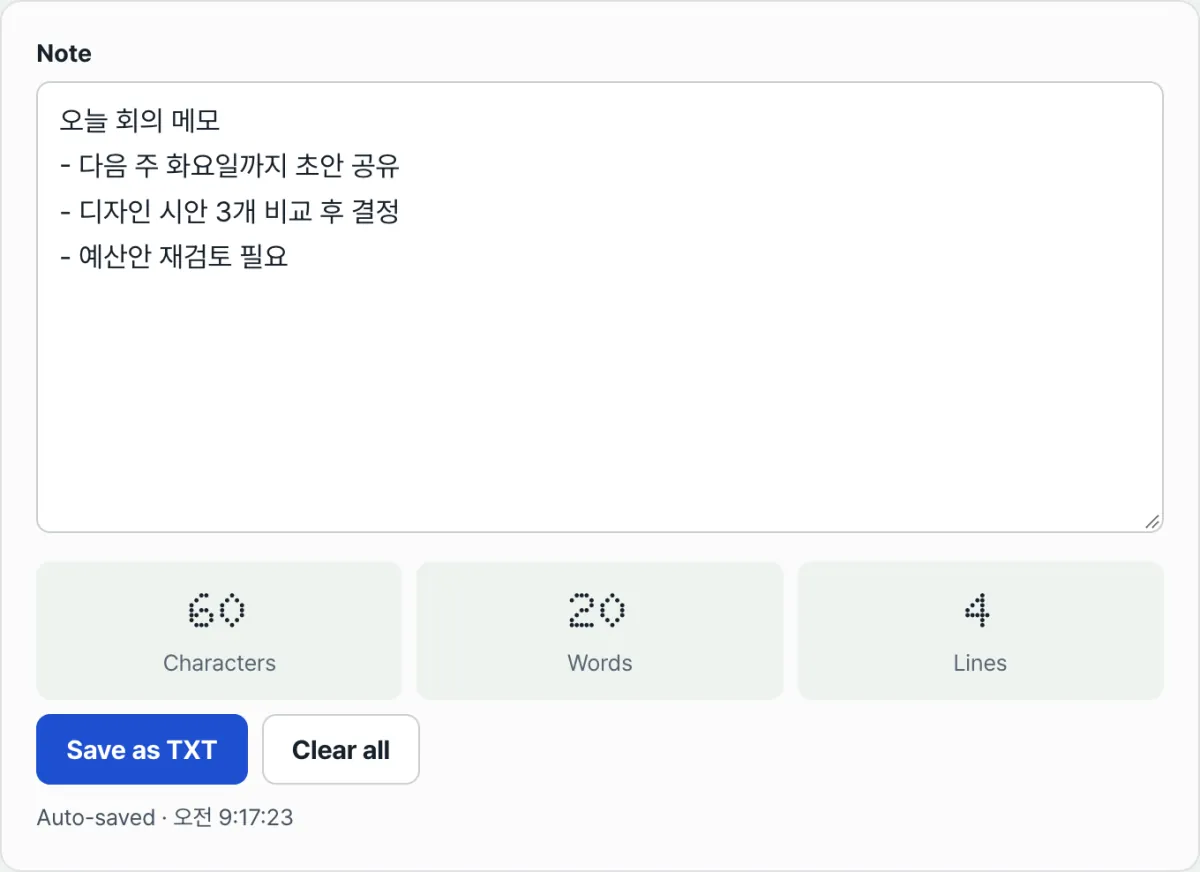
Want to type something in right now and confirm your notes are being kept safely this way? Try it here.
Free · No sign-up · Auto-saves in your browser
Common sticking points
Situation
Cause
You wrote in an Incognito (Private) window, closed it, and your notes were gone
Incognito mode creates a separate temporary storage space that lasts only while the window is open, and closing the window throws out the whole space
The notes are still on your PC but don't show up on your phone, even though you're using the same account
This isn't account sync — it's per-device, per-browser local storage, and those were never connected to begin with
You clicked only "Delete site data" and your notes disappeared too
Because local storage is classified as site data, not cache
Your notes vanished after you fully uninstalled and reinstalled the browser
If the reinstall removed your existing user profile folder, the storage data inside it went with it
The short version
- An online notepad saves to the local storage of the browser you're using, not to an account.
- "Clear cache" and "delete site data" are different items, and clearing only the cache leaves your notes alone.
- On another device, in another browser, or in Incognito mode, the storage space itself is separate, so your notes won't appear.
- For notes you want to keep long term or move to another device, downloading them as a file is the reliable option.
If you want to type something in and watch autosave happen in front of you, you can try it right below.
Free · No sign-up · Auto-saves in your browser
Frequently asked questions
Does what I write in an online notepad get saved on a server?
An online notepad with no sign-in step doesn't send your text to a server — it keeps it only in the browser you're using. If someone else visits the same address, they're seeing their own browser's storage, so your content isn't mixed together or shared.
Will updating my browser delete my notes?
A normal browser update leaves your user profile folder in place and replaces only the program files, so your notes stay. If you choose "Reset" or "Delete all browsing data," though, the profile itself gets wiped and your notes go with it.
Can I write really long notes?
Browser storage usually has a limit of about 5–10 MB per domain, which isn't much room for very long documents. For notes you need to keep, use the "Save as TXT" button to download them as a file — then the storage limit no longer matters.
This article was adapted from our Korean original. Read the Korean original