
JSON Schema Generator: How Types, required, and anyOf Work
Contents
When you paste JSON data and a Draft-07 JSON Schema comes out right away, it's because the tool walks every value recursively and works out the type for you.
This post is for developers who have an API response or a config file in hand and need validation rules fast, and for anyone who wants to know exactly what fields like required and anyOf in the output mean.
It covers only the type rules and how to read the result. It doesn't get into judgment calls like how you should design a schema.
Summary ① Types are detected automatically in this order: null → array → object/string/number/boolean. A number wrapped in quotes is always treated as a string. ② If every array element has the same type, the tool looks at just the first element to build
items. If the types are mixed, it lists one example per type underanyOf. ③ If you check "Mark all properties as required," every key on that object goes straight intorequired. And the schema itself is only an estimate from the one example you pasted in.
If you've ever hand-written a schema from a single API response
Picture this: the only thing you have is one JSON response example from the backend. You need to turn it into a JSON Schema for frontend validation code or your API docs.
The trouble starts the moment the field count hits ten or twenty. Copying nested objects, arrays, and null values one at a time by hand makes it easy to drop a brace or a comma.
The syntax for anyOf when an array mixes types, and the question of which fields belong in required, are the parts that get confusing every time.
How to write a Draft-07 schema by hand without a tool
A Draft-07 JSON Schema is built from a handful of keyword combinations. Here's how to turn a single value into a schema.
- String →
{ "type": "string" } - Number (no distinction between integer and decimal) →
{ "type": "number" } - True/false →
{ "type": "boolean" } - null →
{ "type": "null" } - Object →
{ "type": "object", "properties": { ... } } - Array →
{ "type": "array", "items": { ... } }
Applying the rules to an example JSON
Let's carry these rules over to an example JSON.
{
  "id": 1024,
  "zipCode": "06236",
  "name": "홍길동",
  "isActive": true,
  "note": null,
  "address": { "city": "서울", "district": "강남구" },
  "tags": ["vip", "return"],
  "history": [1, "pending", true]
}- The top-level value is an object, so the top-level schema starts with
"type": "object", and each key goes insideproperties. idis a number with no quotes, so it's number.zipCodeis wrapped in quotes, so it's string. Whether the value has quotes is the only thing you check.- When a value is itself an object, like
address, you repeat the sametype: objectandpropertiesinside it. - When every element in an array has the same type, like
tags, you pick one as the representative and put just that type initems. When the element types are mixed, likehistory, you putanyOfinsideitemsand list one schema for each type that appeared. - You decide by hand which keys in this data must always be present, and you list them in the
requiredarray. That's a judgment only someone who knows the full real dataset can make accurately — not something one example can tell you. - Add
"$schema": "http://json-schema.org/draft-07/schema#"at the top, add atitleif you want one, and you're done.
Done by hand, the result looks like this.
{
  "$schema": "http://json-schema.org/draft-07/schema#",
  "type": "object",
  "properties": {
    "id": { "type": "number" },
    "zipCode": { "type": "string" },
    "name": { "type": "string" },
    "isActive": { "type": "boolean" },
    "note": { "type": "null" },
    "address": {
      "type": "object",
      "properties": {
        "city": { "type": "string" },
        "district": { "type": "string" }
      }
    },
    "tags": { "type": "array", "items": { "type": "string" } },
    "history": {
      "type": "array",
      "items": {
        "anyOf": [
          { "type": "number" },
          { "type": "string" },
          { "type": "boolean" }
        ]
      }
    }
  }
}
With only a few fields, following this order is enough. But as fields multiply and nesting gets deeper, repeating the same rules by hand turns into a lot of work.
Check it with our tool.
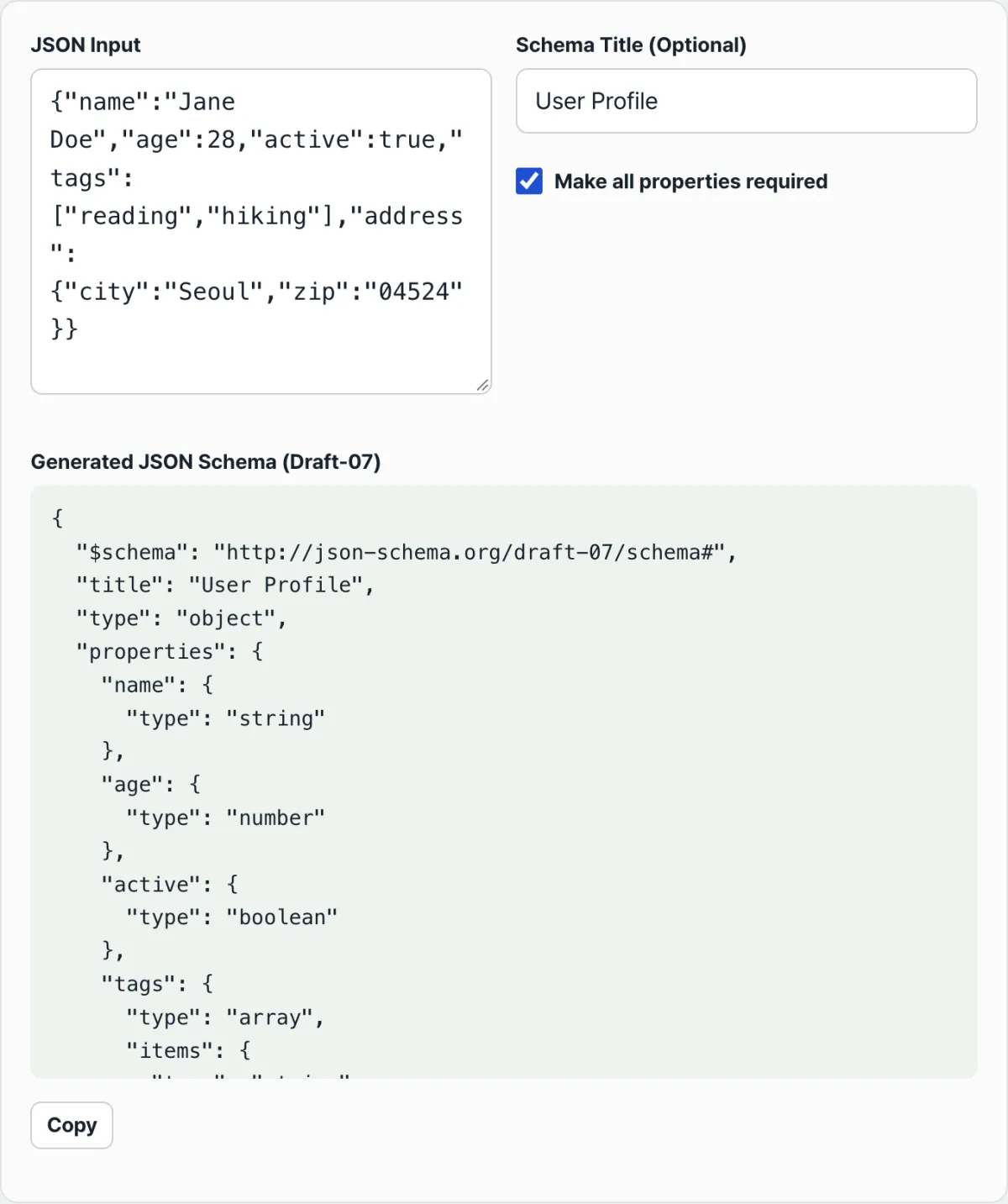
Paste your JSON and it builds a Draft-07 schema right in your browser. The data you enter is never sent to a server.
Spots that trip people up when reading the output
Here are the misunderstandings that come up most often when you look over a generated schema.
| Common misconception | What actually happens |
|---|---|
| A value like "06236" that's all digits gets typed as number | If it's wrapped in quotes, it's always a string |
| Integers become integer and decimals become number | It goes by typeof, so integers and decimals are always number |
| The required checkbox picks out just the fields you need | When you check it, every key on that object goes into required, no exceptions |
| Multiple array elements are all examined and merged | If the types match, items is built from the first element only |
| The generated schema covers every possible shape of the data | It's only an inference from the one example you pasted in |
When arrays hold objects, and a few exceptions
This rule is most visible when every array element is an object. If all the elements are judged to be the same "object" type, items.properties is built from the key layout of the first object alone.
Keys that appear only in the second object onward never show up in the schema at all. If a field exists in your real data but is missing from the generated schema, this rule is usually why.
If you pass in an empty array, items is filled with {}, which places no constraint. With zero elements, there's no basis for judging a type.
If you leave the title field blank, the generated schema won't contain a title key at all. Only when you fill it in does title get added right below $schema.
Summary
- Types are detected automatically in this order: null → array → object/string/number/boolean. Quotes or no quotes is the only thing that separates a string from a number.
- Integers and decimals are always shown as number, with no distinction.
- For arrays, if all elements share a type, items is built from the first element only. If the types are mixed, one example per type is listed under anyOf.
requiredonly appears when you check the box, and it includes every key on that object, no exceptions.- The generated schema is inferred from the one example you pasted in, so it doesn't cover fields or type combinations that weren't in that example.
Paste your JSON and it builds a Draft-07 schema right in your browser. The data you enter is never sent to a server.
Frequently Asked Questions
How do I represent a numeric-only value like a ZIP code in the schema?
The only thing that matters is whether the value is in quotes. If it's inside quotes like "06236", it's treated as a string and becomes { "type": "string" }.
If you write it without quotes as 06236, it isn't a valid JSON number to begin with (numbers that start with 0 are a JSON syntax error), so you'll see an error during parsing.
What happens if an array contains values of different types?
When array elements have more than one type, it picks one example for each type, builds a schema for each one, and lists them in an anyOf array inside items.
For example, if an array mixes numbers, strings, and booleans, anyOf will contain three type schemas side by side.
What exactly does the "Require all properties" checkbox change?
When you check it, it adds every key name on that object to the required array for each object node.
It doesn't let you pick only some keys. When you uncheck it, no object gets a required array at all.
Can one generated schema validate all of my actual data?
The generated schema is the result of analyzing the one JSON example you pasted into the input field. In your real data, the same field may come in with a different type, or fields that weren't in the example may be present.
So the schema doesn't automatically guarantee every case in your actual data. If you need a schema that covers multiple situations, you can paste several representative examples one at a time and compare the results.
This article was adapted from our Korean original. Read the Korean original