
JSON Syntax Error: How to Read the Message and Find the Cause
Contents
When you paste JSON and get an "Unexpected token" error, it means you broke one of JSON's syntax rules. The error message already tells you which character caused the problem and where it sits. This post covers the common types of syntax errors and how to read the message to find the cause.
Summary ① JSON does not allow trailing commas, single quotes, comments, or unquoted keys. ② The error message thrown by JSON.parse shows both the offending character and its position. ③ The position is a character count from the very start of the string, so checking around that point narrows down the cause.
Why these errors come up so often
It's common to copy an API response from the console and paste it into a config file, or to stitch several responses together by hand and leave an extra comma after the last item. Another common case is pulling an object literal straight out of JavaScript code and pasting it in as JSON.
The two syntaxes look similar, but the rules are different. Things that work in a JavaScript object literal, like single quotes, unquoted keys, and trailing commas, are all syntax errors in JSON. So if you move a value that worked fine in code, JSON.parse throws an error immediately.
The problem is that the error message looks like code: "Unexpected token } in JSON at position 42." If you don't know which rule you broke or what the number 42 refers to, you can read the message and still miss the cause.
JSON syntax rules and how to read error messages
JSON is a standard format with fixed syntax. The rules that actually cause errors come down to a few.
- Strings and keys must be wrapped in double quotes ("). Single quotes (') aren't part of JSON syntax.
- Don't put a comma after the last item in an object or array (no trailing commas).
- Keys must always be quoted strings. An unquoted key is JavaScript object literal syntax, not JSON.
- Comments (// or /* */) aren't part of JSON syntax.
- Numbers can't have unnecessary leading zeros (like 01), a plus sign, or values such as NaN or Infinity.
- true, false, and null are lowercase only.
If you break any one of these rules, the browser's JSON.parse won't return a value. It throws an error (SyntaxError).
How to read the position in an error message
The error carries two pieces of information: the character that caused the problem and its position, which shows where that character sits in the string. Position is a character count from the very start of the string (0), including line breaks.
Message formats vary by browser engine. Chromium-based browsers show position (a character offset). Firefox-based browsers show line and column. Both point to the same spot.
To find the cause, look at the characters before and after that position. But with long JSON, counting by hand is tedious and easy to get wrong.
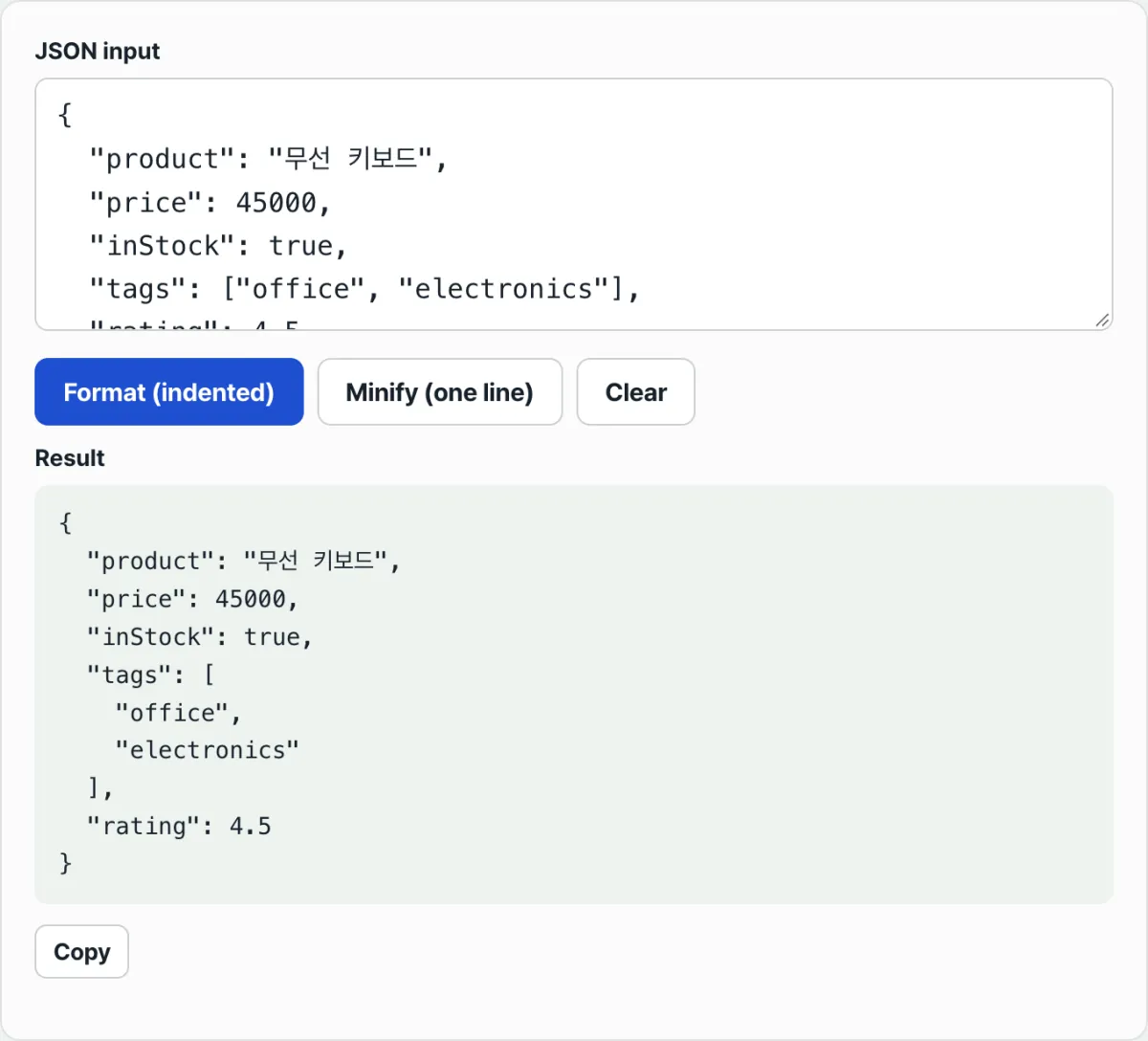
Check it with our free JSON Formatter & Validator.
Paste in your JSON and click the format button to see the error location and message right away. It all runs in your browser, so nothing is sent to a server.
Common syntax errors that trip people up
The result may be the same, an error, but the causes differ. Here are the common types.
| Error type | Example | Why it's an error |
|---|---|---|
| Trailing comma | {"a":1,"b":2,} | Don't put a comma after the last item |
| Single quotes | {'a':1} | Strings and keys must use double quotes only |
| Missing quotes on a key | {a:1} | Keys must be quoted strings |
| Comment included | {"a":1} // comment | JSON syntax has no comments |
| undefined value | {"a":undefined} | JSON can't represent undefined (only null) |
| Leading zero in a number | {"a":01} | A number starting with 0 isn't allowed unless it's 0 itself |
Of these, trailing commas and single quotes are natural in JavaScript code. That's why they often slip in when you copy values from code into JSON.
The bottom line
- JSON follows fixed syntax, including double-quote and comma rules, and it differs from JavaScript object literals.
- Trailing commas, single quotes, unquoted keys, and comments are the most common causes in practice.
- The error thrown by JSON.parse includes the offending character and its location (position, or line/column).
- Position is a character count from the start of the string, so checking around that point narrows down the cause.
- For long JSON, checking the position with a tool is faster and more accurate than counting by hand.
Paste in your JSON and click the format button to see the error location and message right away. It all runs in your browser, so nothing is sent to a server.
Frequently asked questions
What exactly does an "Unexpected token" error mean?
It means JSON.parse ran into a character that can't appear under JSON syntax rules. The message shows that character and its position (character index) in the string. Check around that position and you'll find the cause right away.
What does the number after position mean?
It's the character index, counting from 0 at the start of the string. Line break characters count too. For example, position 42 means the problem is at the 43rd character from the start of the string.
Why does JSON with comments throw an error?
Because JSON syntax doesn't define comments. Comments like // or /* */ are allowed in JavaScript and in extended formats such as JSON5 or JSONC, but standard JSON treats them as errors.
Can I use a JavaScript object as JSON as-is?
No. JavaScript object literals let you leave keys unquoted, use single quotes, or keep a trailing comma, but JSON treats all of those as syntax errors. You have to wrap keys in double quotes and remove the final comma before it's valid JSON.
This article was adapted from our Korean original. Read the Korean original