
Convert Markdown Tables, HTML Tables, and JSON: How It Works
Contents
A Markdown table (pipe syntax), an HTML <table> tag, and a JSON array of objects differ only in how they express data — the header row and the value rows are the same. This post explains how the three formats map onto each other, and what actually happens when the column counts don't match or the header separator line is missing.
Summary ① The first line of a Markdown table is the header row, and the second line is treated as a separator only if it contains
-characters. ② HTML uses the<th>/<td>cells inside<tr>, and JSON uses the keys of the first object as the header row. ③ If the number of cells varies from row to row, the converter fills in blanks or drops the extras automatically — you don't have to line them up yourself.
Where Markdown tables get stuck on the way to HTML or JSON
It's a common spot to be in: the blog post uses a Markdown table, but the site needs HTML. Or an API hands you a JSON array and you need a Markdown table for the docs. One or two tables you can move by hand, but once you're past a few dozen rows, counting pipe (|) positions or opening <td> tags one at a time is a recipe for typos.
Moving between the three formats by hand: there's only one rule
All three formats split the data into one header row and multiple value rows. The only difference between formats is the syntax that wraps those two chunks.
- Markdown → HTML: turn each cell in the first line into a
<th>, turn each cell in the following lines (skipping the separator line) into a<td>, and wrap each line in<tr>. - HTML → Markdown: turn one
<tr>into one line, list its<td>/<th>values separated by|, then add a separator line of the form|---|---|right below the header row. - JSON → Markdown/HTML: the key names of the first object in the array become the header row, and each object's values become one row in that key order.
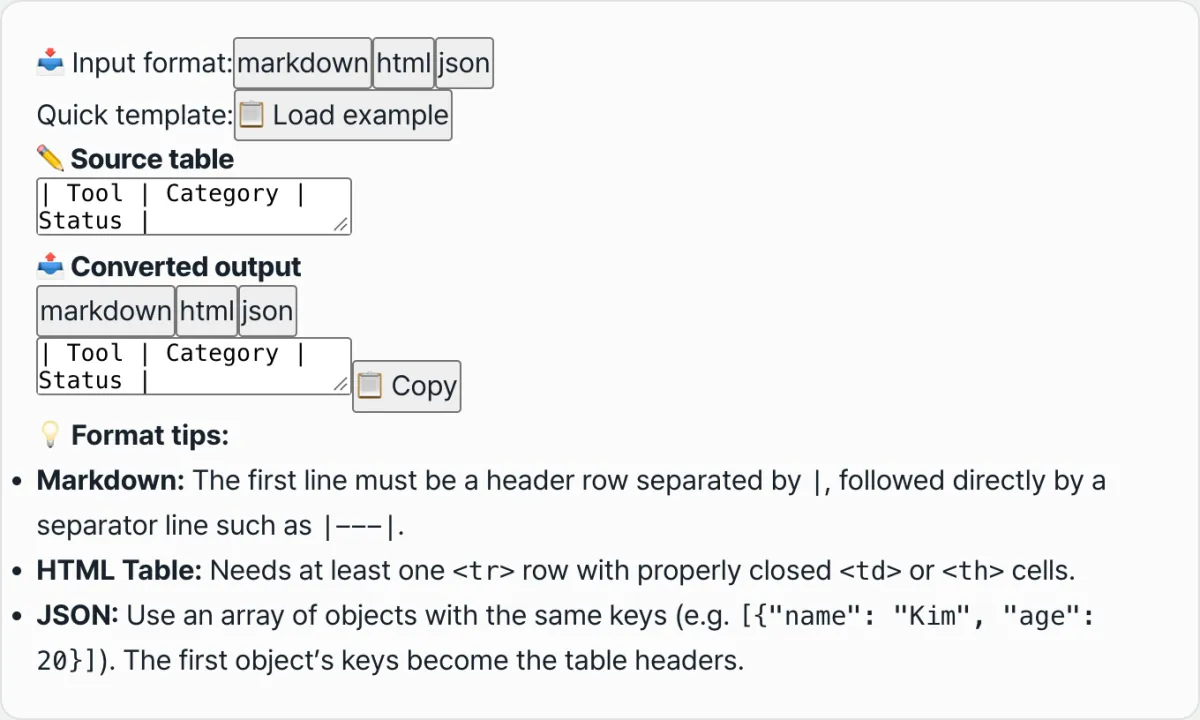
With just these three rules you can convert as many tables as you like by hand, but the more rows there are, the more mistakes creep in. You can try a tool below that applies the same rules to whatever you paste and shows you the other two formats at once.
Paste your Markdown table source, HTML tags, or JSON data into the input field and see it instantly as the other table formats.
Common sticking points
| Situation | How it's actually handled |
|---|---|
No separator line (-) on the second line of the Markdown table | It isn't recognized as a separator, so the second line goes in as just another data row |
| Rows have different cell counts | Cells missing relative to the header row are filled with empty strings; extras are dropped |
The HTML splits a header row (<th>) from body rows (<td>) | The header row is detected correctly, but the <tr> that held the header can be added again as the first data row, so check whether the first output row duplicates the header text |
| Objects in the JSON array have different keys | Only the first object's keys are used as the header row, and values for keys that exist only in other objects don't appear in the output |
Wrapping up
The three formats are the same structure — a header row plus value rows — written in different syntax. Follow that mapping when you convert by hand, and a converter applies it automatically to every input and shows you the result. Still, for the spots that trip people up in practice — a missing header separator, mismatched cell counts, a duplicated HTML header row — it's safer to eyeball the output against the table above.
Paste your Markdown table source, HTML tags, or JSON data into the input field and see it instantly as the other table formats.
Frequently asked questions
Can I use merged cells (rowspan, colspan) in a table?
All three formats handle only a header row plus value rows, so merged cells aren't supported. You need to unmerge them, fill each cell with its value, and then paste it in.
The output repeats my header row. What do I do?
If your HTML input has a separate <tr> containing <th> cells for the header, that line can also come through again as a data row (see the table above). Just delete that line from the output.
Can a cell contain a line break or a | character?
In Markdown, | is the cell separator itself, so a pipe character inside a cell splits the table in the wrong place. Line breaks are also read as new rows and break the table, so it's safest to leave both out of your values.
This article was adapted from our Korean original. Read the Korean original