
QR code grid pattern: why it looks that way and why it scans
Contents
You've probably tapped your phone's camera on a QR code and watched it scan instantly, but wondered why the black-and-white pattern inside looks the way it does. In fact, every part of the pattern has a job, and it's no accident that a QR code still scans when part of it is covered or colored. Once you understand how it works, you can judge for yourself how far you can push the colors and design when you make your own QR code.
Summary ① A QR code represents data by arranging dark and light squares (modules), and the square shapes in three corners are finder patterns that let a scanner lock onto the code's position and orientation ② A QR code still scans when part is covered or colored because Reed–Solomon error correction can restore damaged data ③ A higher error correction level means the code scans even when more of it is covered, but for the same information the grid becomes that much denser
Why does a QR code have this grid pattern?
At a glance the black-and-white squares look random, but a QR code is a grid that encodes binary data by arranging dark and light squares according to fixed rules. The URL or text it actually holds is encoded in the light-and-dark combinations of those squares.
Look closely and you'll see a square-inside-a-square pattern in only three corners: top left, top right, and bottom left. These are finder patterns, and they act as reference points that let a scanner first locate the QR code and determine its position and rotation within a photo.
The dotted line running between the finder patterns (the timing pattern) helps the scanner calculate the size of one square, and the white margin outside the code (the quiet zone) gives it a reference for separating the code from the background. This structure is what lets a scanner redraw the grid accurately even when the camera angle or distance changes.
How to check: why it still scans when covered or colored
Alongside the actual data, a QR code stores extra information called error correction codewords. This uses Reed–Solomon coding, which lets the remaining information reconstruct the original values even if part of the source data is covered or damaged.
There are four error correction levels — L, M, Q, and H — which tolerate roughly 7%, 15%, 25%, and 30% damage respectively. That's the margin that lets a code with a logo in the middle, or with added color, still scan: the loss falls within this budget.
This recovery only works when the scanner can tell which areas are dark and which are light. If the contrast between foreground and background is too low, the scanner can't read the grid at all, regardless of error correction — so the surest test is to print the code at its actual size and scan it yourself under different lighting before you commit to the colors.
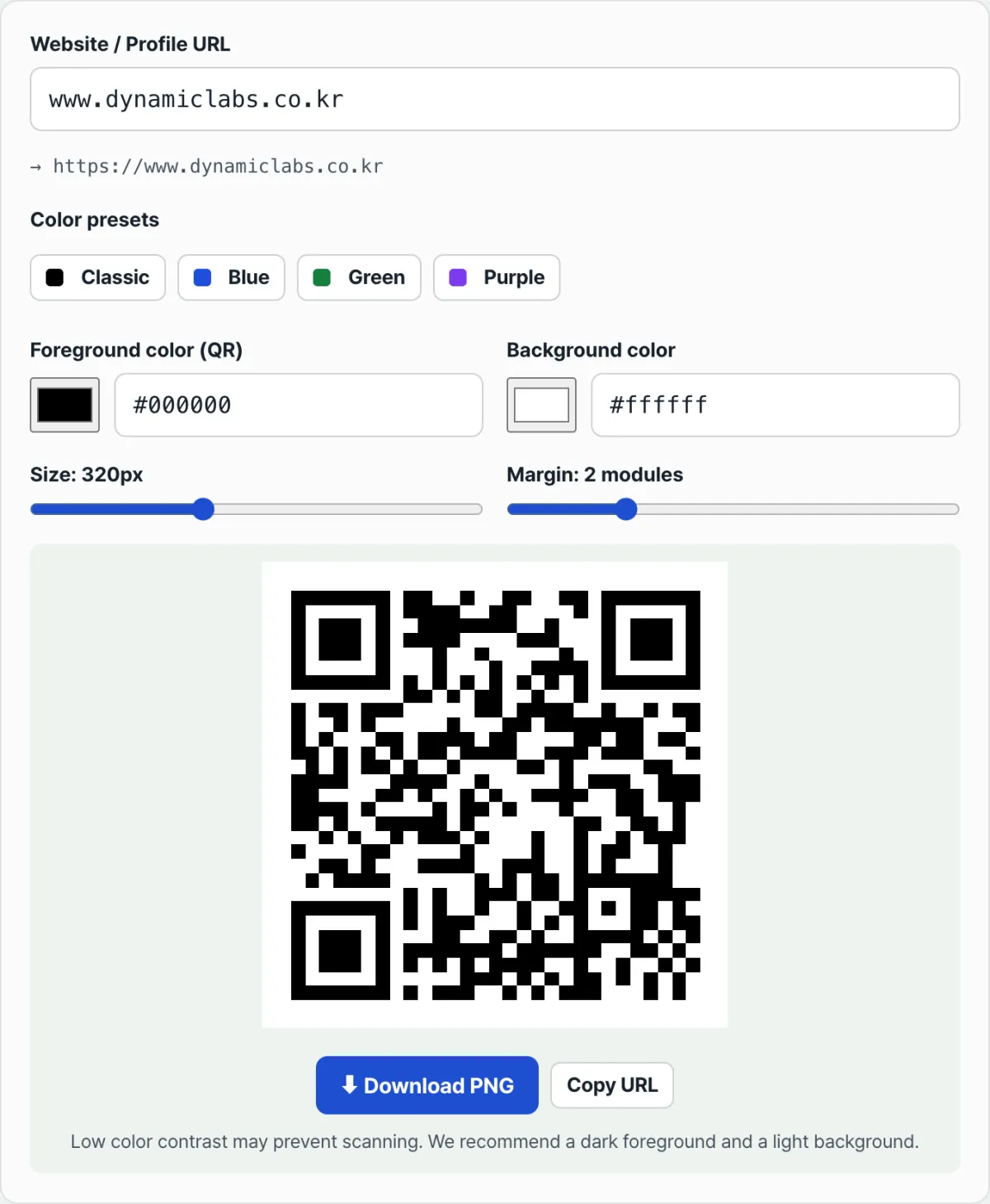
Check it with our tool. Just enter a URL, and you can change the foreground and background colors and see the result right away, then save a combination that scans cleanly as a PNG.
Free · no sign-up · create a colored QR right in your browser
Common sticking points
| Situation | Cause |
|---|---|
| Changed the foreground to a light color and it won't read | Contrast itself is too low, so the scanner can't distinguish the grid — unrelated to error correction |
| Added a large logo in the middle and it won't read | The covered area exceeds the error correction limit (about 15% at level M) |
| It still scans when the code is photographed at an angle | The three corner finder patterns let the scanner correct for rotation and tilt |
| Recognition got worse after shrinking the margin too much | Not enough white margin (quiet zone) outside the code, so the scanner can't find the boundary |
As the table shows, most scan failures come down to one of two things: not enough contrast, or going past the error correction limit. Even if you change the colors, you'll be fine as long as you stay within those two limits.
The bottom line
A QR code's black-and-white pattern is made up of a grid that carries the data, plus the finder and timing patterns that locate it. It still scans when part is covered or colored because Reed–Solomon error correction restores the lost information.
When you add color, the key is to keep enough contrast so you stay within the error correction budget. Keep the foreground dark and the background light, and most color combinations will scan without trouble.
Free · no sign-up · create a colored QR right in your browser
FAQ
Can I put a logo in the middle of a QR code and still have it scan?
Yes, as long as the area the logo covers stays within the error correction limit. But if the logo is large or covers the finder patterns in the corners, recognition drops sharply, so it's safest to keep the logo small and in the center.
Can I change the foreground and background colors freely?
You can, but the brightness difference between the two colors has to be large enough. Keep the foreground dark and the background light and most scanners will read it fine; if the two colors are similar in brightness, error correction won't recover it.
Is a higher error correction level always better?
It makes the code more resistant to coverage, but it also increases the number of grid squares needed to hold the same information, which makes the pattern denser and more complex. That helps when you're adding a logo or printing small, but if you're just carrying a link, the default level is enough.
This article was adapted from our Korean original. Read the Korean original