
Business English Email Phrases: Formality Levels Compared
Contents
- Where your hand stops when you're drafting an email
- How to judge formality levels without a phrase book
- The core mechanism: politeness theory and the linguistics of email
- Full comparison table of email phrases by situation
- 5 costly mistakes to avoid in business email
- A 5-Step Email Workflow for Professionals
- 7 Tips That Email Pros Actually Follow
- Decision Tree: Which Tone Should You Pick?
- Essential Business Email Terms Cheat Sheet
- Frequently Asked Questions
The place where you get stuck in a business email is usually not grammar. It's the judgment call: "How formal should I be in this situation?" Greetings, requests, apologies, and sign-offs each sit at a different formality level. If you can't tell those levels apart, you end up picking a sentence that sounds stiff, or one that's way too casual.
This post compares real phrases for four situations and shows how they differ in formality and nuance.
Summary ① Greetings and sign-offs fall between "Dear/Sincerely" and "Hi/Best," depending on how close you are to the reader and how formal the situation is ② With requests, the softer step up goes from "Could you" to "I would appreciate it if" ③ Apologies also come in different formal shades, from "I'm sorry" all the way to "Please accept my apologies"
Where your hand stops when you're drafting an email
Say you're writing a first email to a contact overseas. The very first line raises a question: do you open with "Dear" or "Hi"? When you ask for a document in the body, you're not sure whether to write "Could you send me..." or to phrase it more carefully.
The end of the email is the same story. You keep re-deciding whether "Best regards" or "Sincerely" fits this person. The grammar is fine, yet the whole email feels slightly off from the situation. That's why.
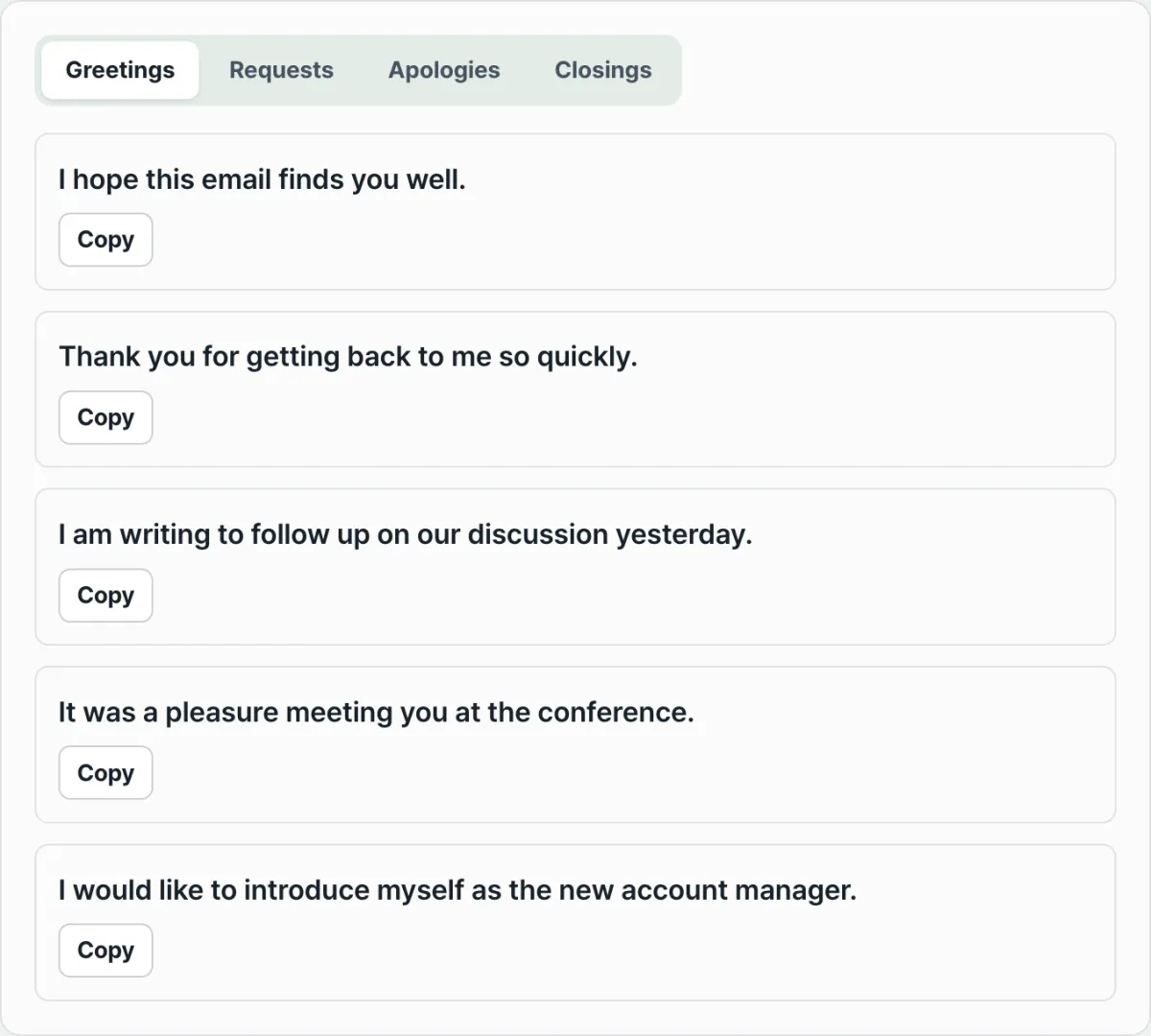
You can copy example phrases for all four situations — greetings, requests, apologies, and sign-offs — free.
How to judge formality levels without a phrase book
In email, formality isn't a "right answer." It's a matter of degree. You can size up a sentence against these four criteria.
Greetings: how you address someone sets the formality
"Dear [first and last name]," is the formal option and works well for a first contact or someone you don't know. "Dear [first name]," is semi-formal, used once you've exchanged a few messages and know each other.
"Hi [first name]," suits a casual relationship where you already email often. Openers like "I hope this email finds you well" are a common formal first line.
Requests: the more indirect, the more formal
A bare imperative ("Send me the file") rarely shows up in work email. "Could you please...?" is the standard polite request.
"Would it be possible to...?" uses the conditional and is one step softer. "I would appreciate it if you could..." pairs thanks with the conditional, which leaves the most careful impression.
Apologies: word choice and sentence structure both build formality
"I'm sorry for..." is a standard apology close to conversational speech. "I apologize for..." sounds a bit more formal in writing such as email.
"Please accept my apologies for..." is a highly formal —
The core mechanism: politeness theory and the linguistics of email
Why do we have to say things differently depending on the situation? From a linguistic angle, "formality" in business email goes beyond simple etiquette. It's explained by a clear mechanism called Politeness Theory.
According to the theory proposed by Brown and Levinson, everyone has a psychological need called "face."
- Positive face: the desire to be recognized and to belong. (Example: "Hi Tom," a friendly tone)
- Negative face: the desire to be free from interference and to keep your own independent space. (Example: "Dear Mr. Johnson," a careful request)
Indirectness and hedging
In English-language email, indirectness is a core strategy for protecting the other person's negative face. The classic technique is hedging: avoiding flat assertions and leaving room.
The modal verb hierarchy
English shifts the form of the modal verb to adjust how hard a request pushes. The past-tense modal doesn't move time into the past. It creates psychological distance from the other person, and that distance is what buys politeness. The order can < could < would < might moves further away psychologically, and each step gives the other person more room to say no — meaning a more polite phrase. This is what's called the pragmatics of email register.
Full comparison table of email phrases by situation
The formality level you apply depends on your relationship with the reader and the situation. Here are 10 typical situations sorted into 3 levels.
| Email situation | Casual | Semi-formal | Formal |
|---|---|---|---|
| Opening greeting | Hi [first name], | Dear [first name], | Dear [first and last name], |
| Checking in | Hope you're doing well. | I hope this email finds you well. | I hope this message finds you well. |
| Announcing an attachment | Here is the file. | Please find attached the file. | I have attached the document for your review. |
| Requesting material | Can you send me...? | Could you please send me...? | I would appreciate it if you could provide... |
| Proposing a meeting | Let's meet on Friday. | Are you available for a meeting on Friday? | Would you be available for a meeting on Friday? |
| Checking understanding | Got it? | Does this make sense? | Please let me know if you need any clarification. |
| Apologizing | Sorry for the delay. | I apologize for the delay. | Please accept my apologies for the delay. |
| Declining | No, we can't do that. | I'm afraid we cannot do that. | Unfortunately, we are unable to proceed with this. |
| Follow-up | Let me know. | Please let me know how you wish to proceed. | I look forward to your guidance on this matter. |
| Sign-off | Best, / Thanks, | Best regards, | Sincerely, / Yours sincerely, |
5 costly mistakes to avoid in business email
- A tone that doesn't match the situation
- Acting too familiar, or keeping "Dear Sir/Madam" for a whole year, both undercut your professionalism. The tone should evolve as the relationship does.
- Ignoring cultural mismatch
- English email is also used between non-native speakers from different countries. A fast, blunt American tone can read as rude in Europe or Asia.
- Overusing "please"
- "Please" is not automatically polite. "Please reply immediately" doesn't land as a polite request. It lands as a heavy-handed command — an imperative with "please" bolted on. Use a modal verb instead.
- Ignoring subject line rules
- If you send "Hello" or leave the subject blank, with no tag like "[Action Required]" or "[Info]" and no clear summary of the point, you get filtered as spam or pushed down the priority list.
- Misusing CC and BCC
- Cc'ing everyone creates information fatigue. And sending customer information to a group in CC instead of BCC is a serious data leak and security incident.
A 5-Step Email Workflow for Professionals
- Step 1: Assess the Relationship
- Figure out whether the recipient is a coworker inside your company, a client outside it, someone you're contacting for the first time, or someone you've known for years.
- Step 2: Choose the Register
- Based on that assessment, pick one tone — casual, semi-formal, or formal — and use it as the baseline for the whole email.
- Step 3: Draft with a Template
- Get to the point up front. Build the structure in this order: greeting and quick check-in, the core request, follow-up, and sign-off.
- Step 4: Tone-check
- Check whether your active voice sounds too aggressive, and whether you hedged well with modals (could, would) and conditional phrasing.
- Step 5: Proofread
- Confirm the attachment is actually there, the recipient's name is spelled right, and CC and BCC are correct. Then send.
7 Tips That Email Pros Actually Follow
- Mirror the other person's formality level: If they write "Hi John," reply with "Hi Mary" next time. It builds rapport more smoothly.
- Keep paragraphs to three sentences or fewer: Busy people read email on their phones. Big blocks of text hurt readability badly.
- Pull action items out into bullet points: If you visually separate what the other person has to do, they won't miss it.
- Coordinate schedules with the timezone in mind: When you set up a meeting, give a clear reference timezone such as "Thursday 2 p.m. PST," or just send a calendar invite.
- Deliver bad news indirectly (passive voice): Rather than "You made a mistake," use a thing as the subject or go passive — "It seems there is a discrepancy" — to soften where the blame lands.
- Set a clear expectation in your last sentence: Close with something like "I look forward to your reply by Friday" so they know what feedback you want and by when.
- If you're emotional, put it in Drafts: An email written while you're annoyed or angry should sit overnight and get a second look when you're calm. That's how you avoid mistakes you can't take back.
Decision Tree: Which Tone Should You Pick?
This is the thought process for finding the right formality level when you write an email.
- Are you meeting this person for the first time? Is this your first contact?
- Yes ➔ Use a formal tone (Dear Mr./Ms. [Last Name], Sincerely,)
- No ➔ Go to the next question
- Have you exchanged three or more emails with them and gotten past the awkward stage?
- Yes ➔ Go to the next question
- No ➔ Use a semi-formal tone (Dear [First Name], Best regards,)
- Do you call each other by first name and talk about everyday things — close enough for casual conversation?
- Yes ➔ Use a casual tone (Hi [First Name], Best,)
- No ➔ Stay semi-formal
Essential Business Email Terms Cheat Sheet
- Register: The version of language that shifts with the situation, purpose, and audience (e.g., stiff written style vs. softer conversational style).
- Hedging: A pragmatics technique of avoiding flat assertions and softening your claim so it stays polite.
- Modal Verb: A helping verb such as can, could, will, would that shows the speaker's attitude, certainty, or level of politeness.
- Positive / Negative Face: The wish to be respected and the wish not to be intruded on. In email, choose language that protects both.
- BCC (Blind Carbon Copy): A hidden recipient field. Use it so recipients can't see each other's email addresses — essential for protecting privacy.
Frequently Asked Questions
Q1. How do I apologize when I've made a serious mistake at work and need to sound truly sincere?
A plain "I'm sorry" isn't enough. Start with the most formal apology available — "Please accept my sincere apologies for..." — then say what you're doing about it (the fix) and how you'll prevent it from happening again. That's what leaves a professional impression.
Q2. When two non-native speakers email each other, is it okay to use native-speaker idioms and euphemisms?
Better to avoid them. In business communication between non-native speakers (BELF: Business English as a Lingua Franca), clarity and brevity matter more than fancy idioms or overly subtle nuance. Simple words, written in a straightforward way, are the shortest path to fewer misunderstandings.
Q3. My boss says my emails sound too "aggressive." Any key tips for softening them?
Practice moving the subject of the sentence from the person (You) to the thing (It/This). "You didn't send the report" sounds aggressive, but "The report hasn't been received yet" delivers only the fact, gently. Also, swap "I want you to..." for "Would it be possible to..." and the email immediately reads as more flexible.
You can copy example phrases for all four situations — greetings, requests, apologies, and sign-offs — free.
This article was adapted from our Korean original. Read the Korean original