
8 vs 12 character password: 2.6 trillion times more combinations
Contents
"Use at least 8 characters" was the standard advice back in the 2000s. Today a single GPU can compute billions of hashes per second, so trying every combination of a short password takes far less time than it used to. Here's how character types and length affect password strength, shown through combination math.
Summary ① Password combinations = (character types)^(length) — add one character and the number jumps by dozens of times ② 8 lowercase letters = about 208.8 billion combinations — a modern GPU can brute-force that in seconds ③ At 12+ characters with upper and lowercase letters, numbers, and symbols, brute force is no longer realistic
How Passwords Get Cracked: Brute Force
The simplest way for a hacker to get a password is a brute-force attack. They try every possible character combination, one after another, from start to finish.
Your defense against this attack comes down to how many possible combinations exist. The math is simple exponentiation.
Number of combinations = (number of available characters) ^ (password length)
Lowercase English letters (a–z) give you 26 characters. At 8 characters, that's 26 to the 8th power, or about 208.8 billion. That sounds like a lot, but a modern GPU computes tens of billions of MD5 hashes per second. That's a matter of seconds.
Comparing Combination Counts by Length and Character Types
| Characters used | Character count | 8 characters | 10 characters | 12 characters |
|---|---|---|---|---|
| Lowercase letters | 26 | about 208.8 billion | about 141 trillion | about 95 quadrillion |
| Lowercase + numbers | 36 | about 2.8 trillion | about 3.656 quadrillion | about 4.74 quintillion |
| Upper + lowercase + numbers | 62 | about 218 trillion | about 840 quadrillion | about 3.2 sextillion |
| + symbols | 95 | about 6.634 quadrillion | about 59.87 quintillion | about 540.3 sextillion |
8 lowercase letters (208.8 billion) versus 12 characters drawn from everything (540.3 sextillion) is a difference of about 2.6 trillion times. Four extra characters and a change in character types get you that far.
The key point: adding length pays off more than adding character types. 12 lowercase letters alone (95 quadrillion) is about 1,400 times more than 8 characters drawn from everything (6.634 quadrillion).
Why Human-Made Passwords Are Weak
The combination counts in the table above assume every combination is picked with equal probability. When a person makes the password themselves, that assumption falls apart.
- Even when they use letters and numbers, they follow a word + birthdate pattern
- Told to add a symbol, most people tack a single exclamation mark on the end
- Told to add a capital, they capitalize only the first letter
Hackers know these patterns and use a dictionary attack to try common passwords first. No matter how large the theoretical number of combinations is, the real search space shrinks a lot.
How to Create a Safe Password
Doing It Yourself with Rules
You need to meet all of these conditions.
- 12 characters or more (16 if you can)
- At least one uppercase letter, one lowercase letter, one number, and one symbol
- No dictionary words, names, or birthdates
- Unique to that site, not shared anywhere else
The rules are simple enough, but making dozens of different passwords for dozens of sites this way — and remembering them — is practically impossible.
Using a Random Generator
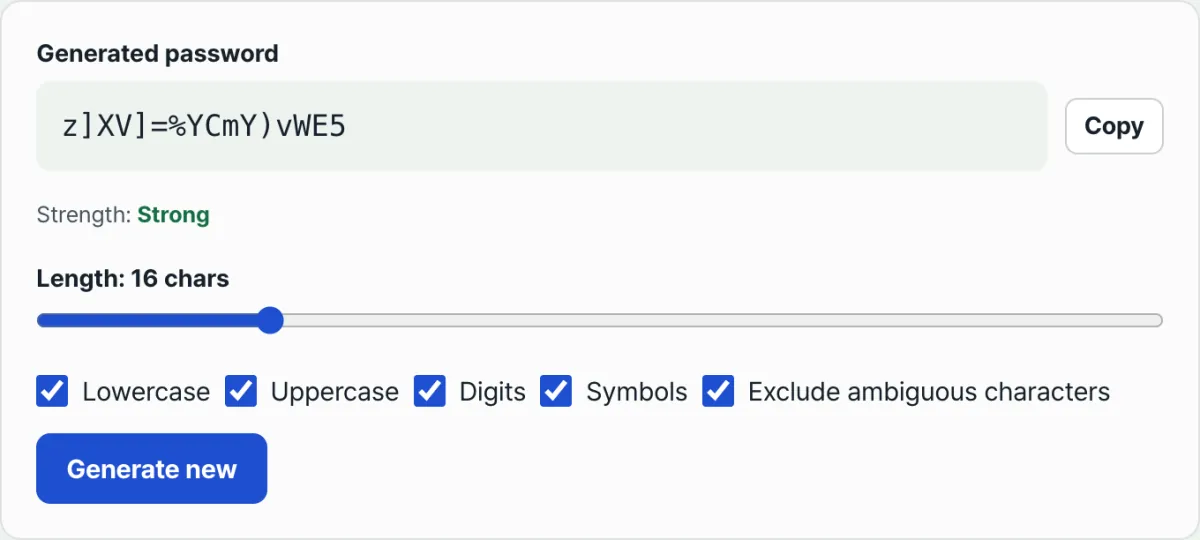
A password generator uses cryptographic randomness (Crypto.getRandomValues) to build passwords with no human pattern involved at all. You just set the length and which character types to include.
Generated inside your browser with cryptographic randomness — never sent to a server
Save the generated password in your browser's password manager or a dedicated app. You don't have to memorize it, so longer and more complex is better.
Common Roadblocks
| Situation | Fix |
|---|---|
| The site doesn't allow some symbols | Limit which symbols are included and generate again |
| The site caps passwords at 16 characters | Generate at the longest length the site allows |
| You keep forgetting your password | Store it in your browser's built-in manager or a dedicated app |
| You want to know if your password has leaked | Check your email at haveibeenpwned.com |
The Bottom Line
- Password strength is set by (character types)^(length). Adding length is the most effective move.
- Human-made passwords have patterns, so they never deliver their theoretical strength.
- 12+ characters with upper and lowercase letters, numbers, and symbols puts brute force out of reach with current technology.
- Use a different password for every site, generate them with a generator, and store them in a management tool — that's the safest setup.
Generated inside your browser with cryptographic randomness — never sent to a server
Frequently Asked Questions
Should I change my password on a schedule?
In its 2017 revised guidelines (SP 800-63B), NIST (the National Institute of Standards and Technology) states that it does not recommend periodic changes. Current advice is to change a password only when you suspect a leak. Frequent changes have the side effect of making passwords simpler.
Is it bad to reuse the same password on multiple sites?
Once a password leaks from one site, hackers automatically try that same email and password combination on other sites. This is called credential stuffing. Using a different password for each site is essential.
Are browser password managers safe?
Password managers in major browsers like Chrome, Safari, and Firefox are protected by your device lock (fingerprint or PIN). Stored passwords are encrypted. That's far safer than simplifying your passwords so you can memorize them.
This article was adapted from our Korean original. Read the Korean original