
Remove Blank Lines in Text With Regex (CRLF and LF Guide)
Contents
When you scrape a table off a web page and paste it, or copy logs an outside system spits out, you often end up with a bunch of stray blank lines wedged between paragraphs. The document gets longer and harder to read. Instead of backspacing line by line, here's how to target only the blank lines with a regular expression, or collapse runs of empty lines into one.
Summary ① To delete only blank lines, a single regex does it:
/^\s*\n/gm② If several lines in a row are empty, you can merge them into one and keep your paragraph breaks ③ Windows (CRLF) and Mac/Linux (LF) use different line break characters, so your regex needs\r?\nto catch both
Why blank lines keep piling up
Copy a table from a web page and each cell often comes across separated by a line break, dragging blank lines along with it. Open server logs or a CSV in a text editor and you'll find invisible trailing spaces and empty rows mixed in too.
Once a document runs past a few hundred lines, picking out blank lines by hand isn't realistic. Move down with the arrow keys and delete one line at a time, and it's easy to wipe a line that actually had content.
Deleting them yourself with a regex
You don't need a tool for this. Your text editor's Find and Replace (with regex enabled) can produce the same result.
To delete only fully blank lines: the pattern for a line with nothing but whitespace, or nothing at all, is /^\s*\n/gm. ^ is the start of a line, \s* means zero or more whitespace characters, and \n is the line break. You need both the g (global) and m (multiline) flags so it applies to every line in the document. Replace matches with an empty string.
To merge consecutive empty lines into one: if you want to keep your paragraph breaks, find /\n{3,}/g (three or more line breaks in a row) and replace it with \n\n (two line breaks, meaning one blank line). This keeps the spacing between paragraphs while shrinking any vertical gap that stretched to three lines or more.
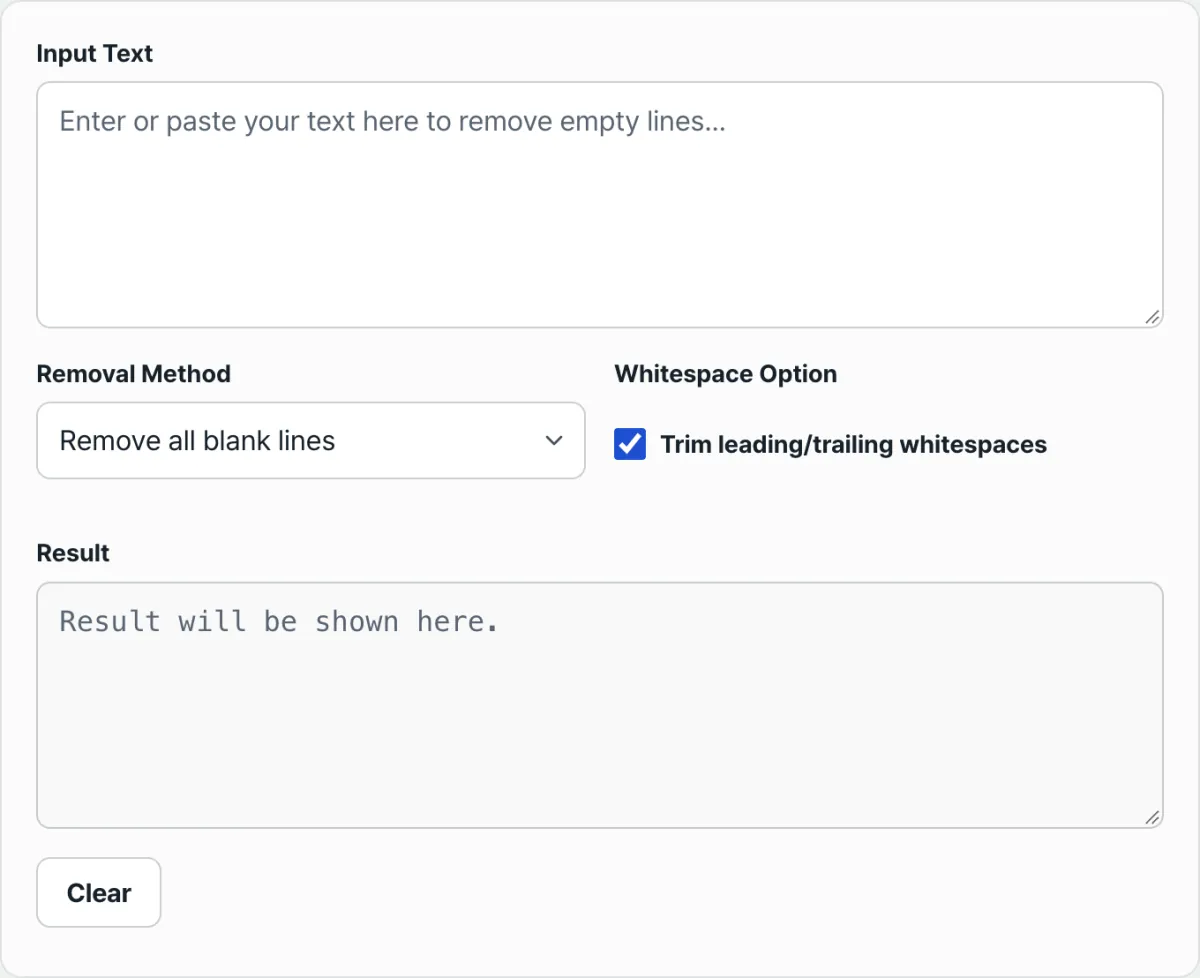
Check it with our tool. If typing regexes is a hassle, just paste your text in and the same result appears right away.
Paste your text and the blank lines get cleaned up right away. Choose between "Remove all blank lines" and "Merge consecutive blank lines", then copy the result.
Line break characters on Windows vs. Mac and Linux
The thing that's easy to miss when handling blank lines with regex is the line break character per operating system.
| Operating system | Line break character | Size |
|---|---|---|
| Windows | CR+LF (\r\n) | 2 bytes |
| macOS / Linux | LF (\n) | 1 byte |
When you process a file created on Windows with a regex, searching only for \n can leave a \r behind at the end of each line. So write the pattern as \r?\n — CR may or may not be there — to catch both styles.
Common snags
| Situation | What to check |
|---|---|
| Lines with only spaces or tabs | They count as blank lines, so they get removed or merged too |
| Trailing whitespace at the end of lines | Separate from the blank-line question — turn on the option that trims whitespace at the start and end of each line and it gets cleaned up as well |
| Invisible special spaces (zero-width space, etc.) | They may not register the same way as ordinary spaces, tabs, and line breaks, so it's safest to eyeball the result once after processing |
| You want to keep paragraph breaks | Don't delete every blank line — choose the option that merges consecutive blank lines into one |
The short version
- To delete only fully blank lines, replace
/^\s*\n/gmwith an empty string. - To keep paragraph breaks, merge consecutive blank lines into a single line.
- Windows text uses
\r\nand Mac/Linux uses\n, so use a pattern like\r?\nthat catches both. - If typing regexes is a hassle, paste your text in and you can see the same result right away.
Paste your text and the blank lines get cleaned up right away. Choose between "Remove all blank lines" and "Merge consecutive blank lines", then copy the result.
Frequently asked questions
What's the difference between "delete all blank lines" and "merge consecutive blank lines"?
Delete all blank lines removes every blank line with none left behind. Merge consecutive blank lines reduces multiple blank lines to one so your paragraph breaks survive.
Are lines with only spaces or tabs treated as blank lines?
Yes. A line with no visible characters, only spaces or tabs, is still recognized as a blank line, so it's subject to removal or merging.
Is the text I paste stored on a server?
No. Processing runs entirely in your browser, and what you enter is never sent to a server.
This article was adapted from our Korean original. Read the Korean original