
SQL DDL to JSON Schema: Type Mapping and Parsing Rules
Contents
Relational databases (RDBs) declare tables with CREATE TABLE statements, while APIs and document databases widely use JSON Schema (Draft-07). The two express the same idea in different ways, so when you copy columns over one at a time by eye, it's easy to miss a type or a required field. Writing down the rules for which SQL type becomes which JSON type — and how NOT NULL and UNIQUE are each handled — cuts down on those mistakes.
Summary ① SQL types fall into a few groups — integers, decimals, booleans, dates, JSON — and each group maps to a JSON Schema type. ② Only columns marked
NOT NULLandPRIMARY KEYare added to therequiredarray automatically.UNIQUEis not. ③VARCHARlength (maxLength) andENUMlists are not converted automatically, so you have to add them yourself.
1. How SQL types map to JSON Schema types
Data types in your SQL DDL become the type property of a JSON Schema Draft-07 model according to these rules.
- Integers:
INT,INTEGER,TINYINT,SMALLINT,MEDIUMINT,BIGINT,SERIAL,BIGSERIAL→{ "type": "integer" } - Decimals:
DECIMAL,NUMERIC,FLOAT,DOUBLE,REAL→{ "type": "number" } - Booleans:
BOOLEAN,BOOL→{ "type": "boolean" } - Dates:
DATE→{ "type": "string", "format": "date" }/TIMESTAMP,DATETIME→{ "type": "string", "format": "date-time" } - JSON types:
JSON,JSONB→{ "type": "object" } - All other string types:
VARCHAR,CHAR,TEXT, and the rest become{ "type": "string" }. Even when a length is attached, as inVARCHAR(50),maxLengthis not added automatically.
Whether a field is required is handled separately from its type. Only columns marked NOT NULL and columns declared as PRIMARY KEY are added to the top-level required array automatically. A UNIQUE constraint only blocks duplicate values — it doesn't force a value to exist — so it is not added to required automatically. If you turn on the "Set optional column types as a union with null" option, columns that aren't in required get a union type that includes null, such as ["string", "null"].
2. How a DDL statement is actually parsed
Read a SQL CREATE TABLE statement in the order below and you can produce the same result by hand.
- Strip comments: Remove
/* ... */block comments and--line comments first. - Split the table name from the body: In
CREATE TABLE [IF NOT EXISTS] table_name ( ... ), separate the table name from what's inside the parentheses. - Split the column lines: Split the contents of the parentheses on commas, but ignore commas inside parentheses, as in
DECIMAL(10,2)(keep a count of how deep you are in the parentheses to decide). - Classify each line: If a line starts with
PRIMARY KEY,CONSTRAINT,FOREIGN KEY,UNIQUE,CHECK, orINDEX, treat it as a table constraint rather than a column, and of those, only thePRIMARY KEY(column1, column2)form is reflected in therequiredarray. The other constraints are not reflected in the schema. - Parse the column lines: For the remaining lines, read the first word as the column name and the second word as the type. Then search the whole line for
NOT NULL,DEFAULT value, andCOMMENT 'description', and reflect them as the required list, thedefaultfield, and thedescriptionfield.
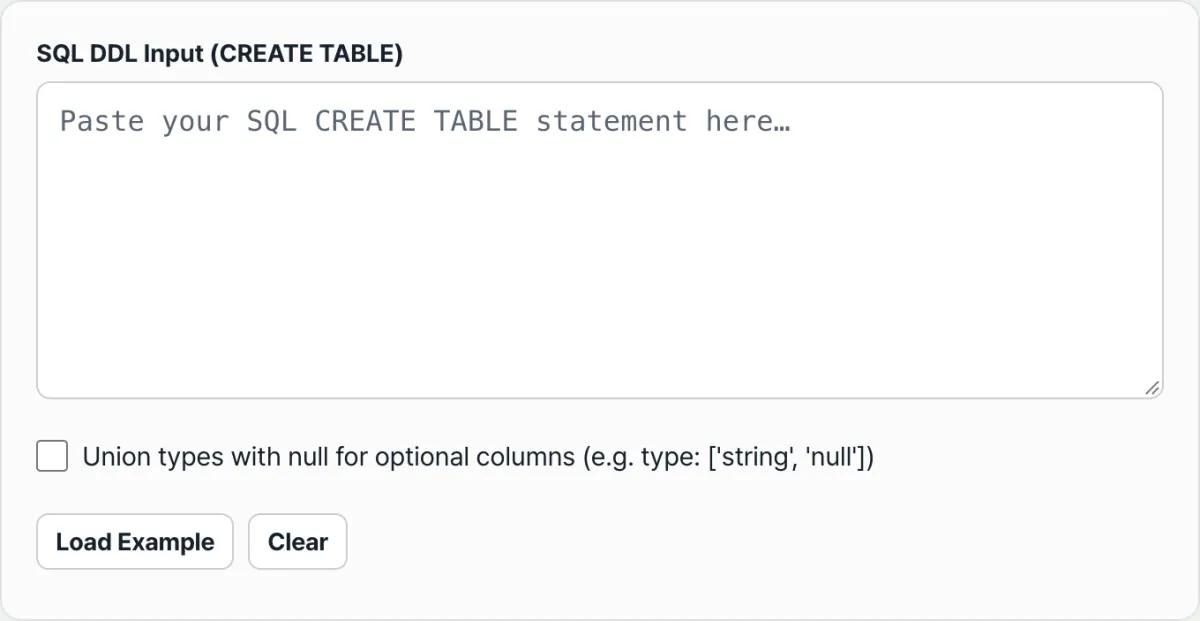
Check it with our free tool. Instead of repeating these rules by hand for every column, paste in your SQL DDL and it builds the JSON Schema with the same rules right away.
Paste your relational database's SQL CREATE TABLE DDL and let the tool generate validation-ready JSON Schema source code for you.
3. Common sticking points
| Situation | What actually happens |
|---|---|
A length is specified, as in VARCHAR(50) | The type becomes string, but maxLength is not added automatically. |
A UNIQUE constraint | Unlike PRIMARY KEY, it is not added to the required array automatically. |
ENUM('a','b') | The list is not read and turned into an enum array; it only becomes the string type. |
COMMENT 'description' | It is reflected automatically as the description field. |
DEFAULT value | It is reflected as the default field, except for NULL and CURRENT_TIMESTAMP-style values. |
Takeaways
- Integers, decimals, booleans, and JSON types map straight from the type name alone.
- For dates,
DATEandTIMESTAMP/DATETIMEget differentformatvalues. - The
requiredarray is filled automatically only byNOT NULLandPRIMARY KEYcolumns.UNIQUEis not included. VARCHARlength (maxLength) andENUMlists are not converted automatically, so add them yourself to the output if you need them.
Paste your relational database's SQL CREATE TABLE DDL and let the tool generate validation-ready JSON Schema source code for you.
Frequently asked questions
Does VARCHAR length automatically become maxLength in JSON Schema?
No. The converter only maps types and doesn't add length constraints. If you need one, add it yourself to the converted JSON, like "maxLength": 50 on the field.
Do columns with a UNIQUE constraint get added to the required array automatically?
No. The required array only includes NOT NULL columns and PRIMARY KEY columns. UNIQUE blocks duplicates; it doesn't force a value to exist, so it isn't handled separately. If you want those fields to be required, add them to the required array yourself after converting.
How is the ENUM type handled?
The current version doesn't read the ENUM list and build an enum array. It just converts the column to the string (string) type. To limit the allowed values, add them yourself to the converted JSON, like "enum": ["active", "inactive"].
This article was adapted from our Korean original. Read the Korean original