
Why Online Timers Ring Late in Background Tabs
Contents
You've probably had this happen: you start a timer, go do something in another tab, and when you come back the screen still shows time left even though much more time has actually passed. The opposite is also common—the end alarm goes off and you miss it entirely. Neither happens because the timer is broken. It happens because browsers intentionally slow down JavaScript execution in tabs you can't see.
Summary ① In background (hidden) tabs, browsers reduce how often JavaScript timers run. It's a deliberate policy to save battery and CPU. ② A "counter-style" timer that subtracts a number on every tick lets that delay pile up as display error. ③ A "target-time" timer pins down an end time and recalculates the difference from the current time on every tick, so even if execution resumes late, the number on screen is always accurate.
Why this happens: browsers slow things down on purpose
Most browsers, including Chrome and Firefox, deliberately reduce JavaScript timer execution in tabs you aren't viewing. It's a design policy to save battery and CPU, not a bug.
Chrome's official developer blog lays out these stages in detail. Timers that repeat at intervals under one second are capped at once per second in the background. If a tab stays hidden for more than 5 minutes, it enters a stage called "intensive throttling," where execution can drop to about once per minute. (Chrome for Developers blog)
So if you set a 5-minute timer and then spend 30 minutes in another tab, the timer code may have run about once a minute during that time, not once every few seconds. The problem isn't the execution rate itself. It's how the timer calculates the time it missed.
Counter-style vs. target-time: how the math differs
There are two main ways to generate the number on screen.
- Counter-style: Each time a tick runs, it assumes "one second has passed" and subtracts that from the time remaining. If throttling skips ticks, several seconds may have passed in reality, but the display loses only one tick's worth, so the screen drifts from actual time. Since each following tick also subtracts just one tick, the error keeps piling up.
- Target-time: At the moment you start, it stores a single target time—"it ends at this hour, minute, and second"—and on every tick it recalculates only the difference between that target and the current time. Even if the tick itself runs late, it recalculates the actual time remaining at that moment, so no error accumulates.
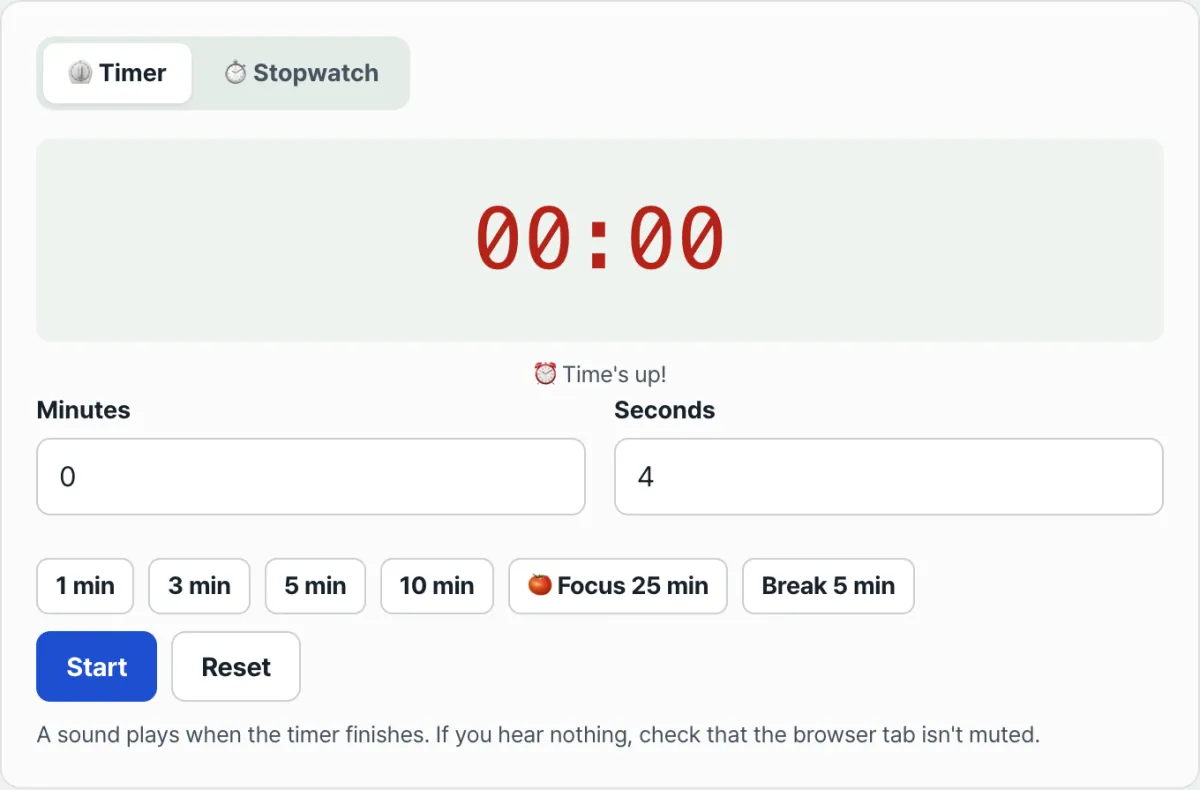
This tool's timer tab uses target-time as well. When you press Start, it adds the set duration to the current time and saves that as the target. On every repeated run, it recalculates the difference between that value and the current time and shows it on screen.
But what this calculation method fixes is limited to "whether the remaining time shown on screen is accurate." If you leave the tab hidden for a long time, the browser can delay or skip playing the alarm sound itself. And if your phone screen is off, tab execution nearly stops, so the alarm may not sound. Calculating the remaining time accurately and making a sound at that moment are separate problems.
How to check: you can test any timer yourself
This isn't something you need an expert to judge. You can see it with your own eyes. The steps below work the same for our tool or any other web timer.
- Set the timer to a round number such as 2 minutes and start it.
- Immediately switch to another tab or app.
- Use a separate clock, such as the clock on your phone's lock screen, to count exactly 2 minutes.
- When 2 minutes have passed, return to the original tab.
If it's a target-time timer, the screen should already show 00:00 or a finished state at that moment. If it still shows a few seconds or tens of seconds left, that timer is counter-style, and error has piled up in the background.
Test it with our tool. Run the test above, and you'll see that the remaining time still matches the real clock even after you've been in another tab.
Free · No sign-up · Runs right in your browser, nothing sent to a server
Common points of confusion
| Situation | Cause | How to check |
|---|---|---|
| You come back after a long time in another tab and the timer has already finished | Normal for a target-time timer—the math was right from the start; only the screen update was late | Check whether the screen switches to the correct value as soon as you return |
| The alarm doesn't play at all | The browser requires direct user interaction to play audio, or audio execution is delayed in the background | Check whether you pressed the "Start" button yourself and whether the tab or system is muted |
| No alert when your phone screen is off | When the screen is off, the browser tab barely runs | If you need the alert, keep the screen on while you wait |
| Time seems off after your PC wakes from sleep | Execution stops during sleep, then compares against the wake-up time again, so the value jumps sharply for a moment | Check whether the screen updates to the correct value in one go right after waking |
The takeaway
- To save battery, browsers slow down timer execution in hidden tabs. It's a documented policy, not a bug.
- A "counter-style" timer that subtracts on every tick lets that delay show up as display error.
- A "target-time" timer pins down the end time and recalculates the difference each time, so error doesn't accumulate.
- Still, an accurate number on screen and a sound at that moment are separate. If you need to be sure you'll hear the alarm, it's safer to keep the tab open while you wait.
Free · No sign-up · Runs right in your browser, nothing sent to a server
Frequently asked questions
I came back to the tab and the timer had already finished. Is it broken?
No. If it uses target-time math, that's normal. The screen just reflected late that the target time had already passed. The determination of when it ended was accurate from the start.
Why can't I hear the alarm?
Browsers require a direct user action to play audio. You need to press the "Start" button on the page yourself, and check that the tab and system aren't muted.
Does the stopwatch calculate lap times the same way?
Yes. The stopwatch also stores the start time as a reference point and, when you record a lap, calculates the difference from the current time. Even if you press the lap button a little late, the elapsed time recorded is the actual value at that moment.
Why is a Pomodoro session 25 minutes?
The Pomodoro Technique is a time-management method devised in the late 1980s by Francesco Cirillo, then a university student in Italy. Its name comes from the tomato-shaped kitchen timer he used. The standard settled into a set of 25 minutes of focus and 5 minutes of rest, repeated. The number 25 itself doesn't have separate scientific backing.
This article was adapted from our Korean original. Read the Korean original