
PDF Rotation: Why Two 90° Turns Add Up to 180°
Contents
You click the rotate button on a PDF expecting it to turn one way, and it lands at an even stranger angle instead. Most of the time the tool isn't miscalculating — the angle you added is being stacked on top of a rotation value already stored on the page. Once you know how that stored value works, it explains why two 90-degree turns leave you at 180, and why a rotation can look like it did nothing at all.
Summary ① Rotating a PDF page doesn't redraw the content. It changes an angle value stored on the page as one of 0, 90, 180, or 270. ② A new rotation is added on top of that stored value, so adding 90 degrees to a page already stored at 90 gives you 180. ③ If you simply open the file in a browser, you see the angle value exactly as it's stored.
When rotating a PDF makes it look worse
Open a scanned PDF, or one made with a phone camera, and a few pages often lie sideways or upside down. You feed 90 degrees into a rotate tool, and instead of standing the page up you get a full 180 flip — or the opposite happens: you keep clicking and the direction never seems to change.
These symptoms don't come from bad math in the tool. Every PDF page carries a rotation value already stored in it, and each new angle gets added on top of that value. If you don't know that the direction on screen can differ from the angle actually stored in the file, you stay stuck in the same confusion.
How to check what rotation value a PDF has stored
In the PDF spec, page orientation isn't handled by redrawing the text or images inside. It's a rotation property on each page, stored as one of 0, 90, 180, or 270. That's why rotation finishes instantly no matter what's on the page, and why file size stays about the same.
This value is a number recorded in the file itself, not a temporary tilt on screen. The simplest official way to check it is to open the file directly in a browser — no extra software needed. Unlike the temporary rotate feature built into a viewer, a browser's PDF viewer shows the angle exactly as it's stored in the file. If the page looks crooked there, that angle is what's actually saved.
Here's the key part. When you give a rotate tool a new angle, it doesn't calculate from what you see on screen. It calculates "already stored value + new angle." Add 90 to a page stored at 90 and you get 180, not 0 degrees (upright). Add 90 to a page stored at 270 and you get 360 — back to 0 — so it looks like nothing changed at all.
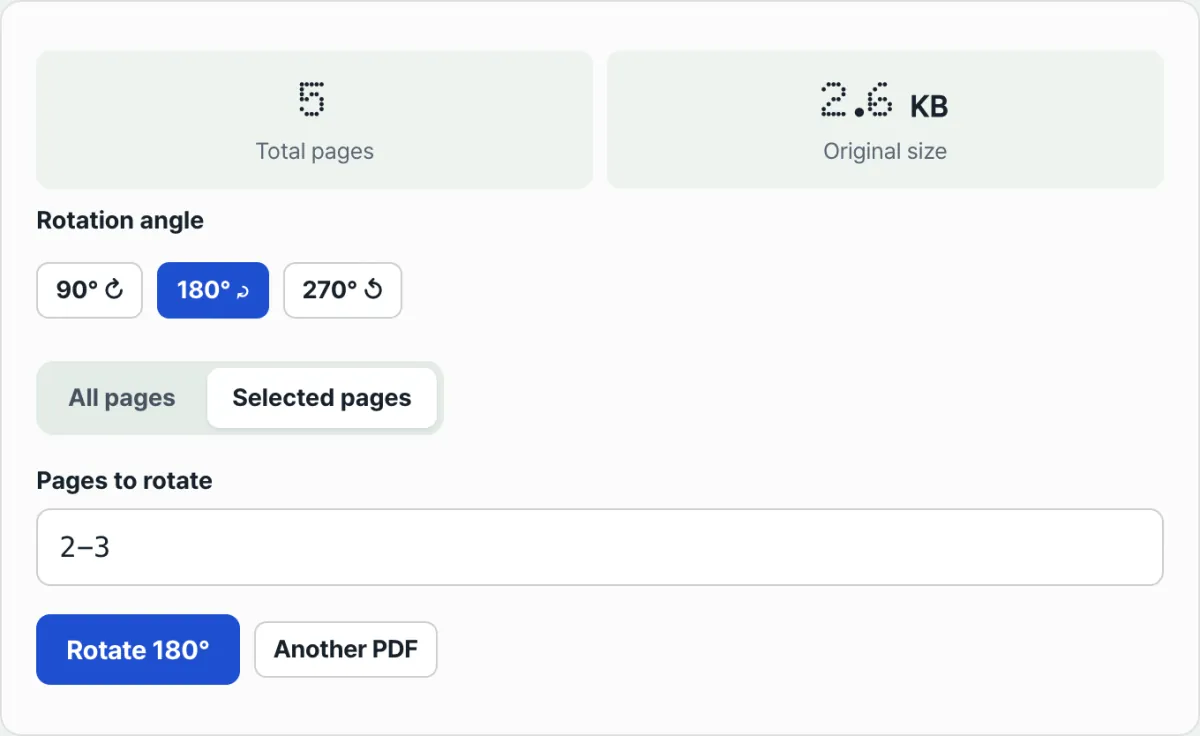
Check it with our free tool. You don't have to work out the stored angle by hand. Add the file, pick the angle and page range you want, and get the result back right away.
Free · No sign-up · Runs only in your browser (no server upload)
Where people get stuck
| Symptom | Cause |
|---|---|
| I added 90 degrees and the direction didn't change | The page is already stored at 270, so 270+90=360 (=0) puts it right back where it was |
| I rotated it twice and ended up at 180 | 90+90=180 — the stored value is being added, which is normal behavior |
| I rotated it and the file size barely changed | Only the angle value changes; the content isn't redrawn |
| My scanned PDF was crooked from the start | Scanners and scanning apps often save pages with a rotation value already set |
The takeaway
Rotating a PDF page isn't redrawing content. It's changing an angle value stored as one of 0, 90, 180, or 270. A new angle is added to the stored value, not to the direction you see on screen, so two rotations bend the page twice as far, and if the stored value is 270, adding 90 brings it right back to upright. When you're unsure, open the file in a browser first and check the current stored angle.
Free · No sign-up · Runs only in your browser (no server upload)
FAQ
Does rotating damage or blur the text and images?
No. Rotation isn't a redraw of the text and images inside the page — it only changes the direction value stored on the page, so the content itself is untouched.
Can I rotate only certain pages instead of the whole document?
Yes. On the "Selected pages" tab, type a range like "1-3, 5" using commas and hyphens, and only those pages rotate. The rest keep their original orientation.
Can I rotate a PDF that has a password?
If a password is required just to open the file, the tool may fail at the reading step. If you see a read error after selecting the file, that means it's password-protected — remove the password first, then try rotating.
Will the rotated file look crooked again in another program?
Most PDF viewers display the rotation value stored in the file, so the page opens in the same direction in any program. A few conversion tools, though, extract only the page content and turn it into an image — those may not honor the stored value.
This article was adapted from our Korean original. Read the Korean original