
ICO File With Multiple Sizes: Sharp Favicon Everywhere
Contents
A single favicon.ico file can actually hold several images at different resolutions, from 16×16 all the way up to 256×256. Unlike a PNG or JPG, which is one photo at one size, an ICO is a container format that packs multiple images into one file. If you don't know that and save with only one size, you'll be stuck wondering why the icon looks fine in the browser tab but blurry on the desktop or in your bookmarks.
Summary ① A single .ico file can store multiple resolution images, such as 16–256px, together (it's a container format, not a single image). ② Browser tabs, bookmarks, and Windows icons each pick a different size, so if you only include one, it gets stretched or squashed in certain places. ③ Just by looking at the header at the start of the file, you can tell how many images are inside — and you can build a new ICO from a PNG with the exact size combination you want.
The problem: one favicon.ico, so why does it look different in each spot?
When you upload a single favicon.ico, it's actually being pulled from in several places at different sizes. Browser tabs usually use 16px, but bookmark lists, the Windows taskbar, and desktop shortcuts ask for 32px or larger.
If the file holds only a 16px image, then anywhere that needs 32px or 48px has to force that small image bigger. The result: the icon that looked crisp in the tab looks stair-stepped and mushy on the desktop or in bookmarks.
It's also common for an ico made with a free favicon generator to actually contain just one size. Some people even rename a PNG to .ico and upload it — but the internal structure isn't an ICO container at all, so some programs won't open it.
The fix: check the header, then build it with the size mix you want
Check the header to see how many images are inside
The ICO file structure is standardized, so a few bytes at the front tell you how many images are inside. The first 4 bytes are a fixed value (2 bytes of reserved data + 2 bytes of type, always 0 and 1), and the next 2 bytes (bytes 5 and 6) are the number of images in the file.
Open just that section in a hex editor and you'll immediately know whether your current favicon.ico holds one size or several. After that come directory entries — width, height, and data position — repeated in 16-byte chunks for each image, followed by the actual image data. Recently made ICOs often drop PNG data straight in there, while older ones may hold uncompressed bitmap data.
Build it from a PNG with the size mix you want
You can also do it yourself without a tool. One line with Python's Pillow library — im.save("favicon.ico", sizes=[(16,16),(32,32),(48,48),(64,64),(128,128),(256,256)]) — gives you an ICO with multiple resolutions. With ImageMagick, convert logo.png -define icon:auto-resize=256,128,64,48,32,16 favicon.ico gets you the same result.
Which sizes to include depends on where the icon gets used. 16px is common for browser tabs and bookmarks, 32px for the Windows taskbar and macOS minimized icons, 48px for desktop shortcuts, and 64px or more for high-DPI displays or Windows large icon view.
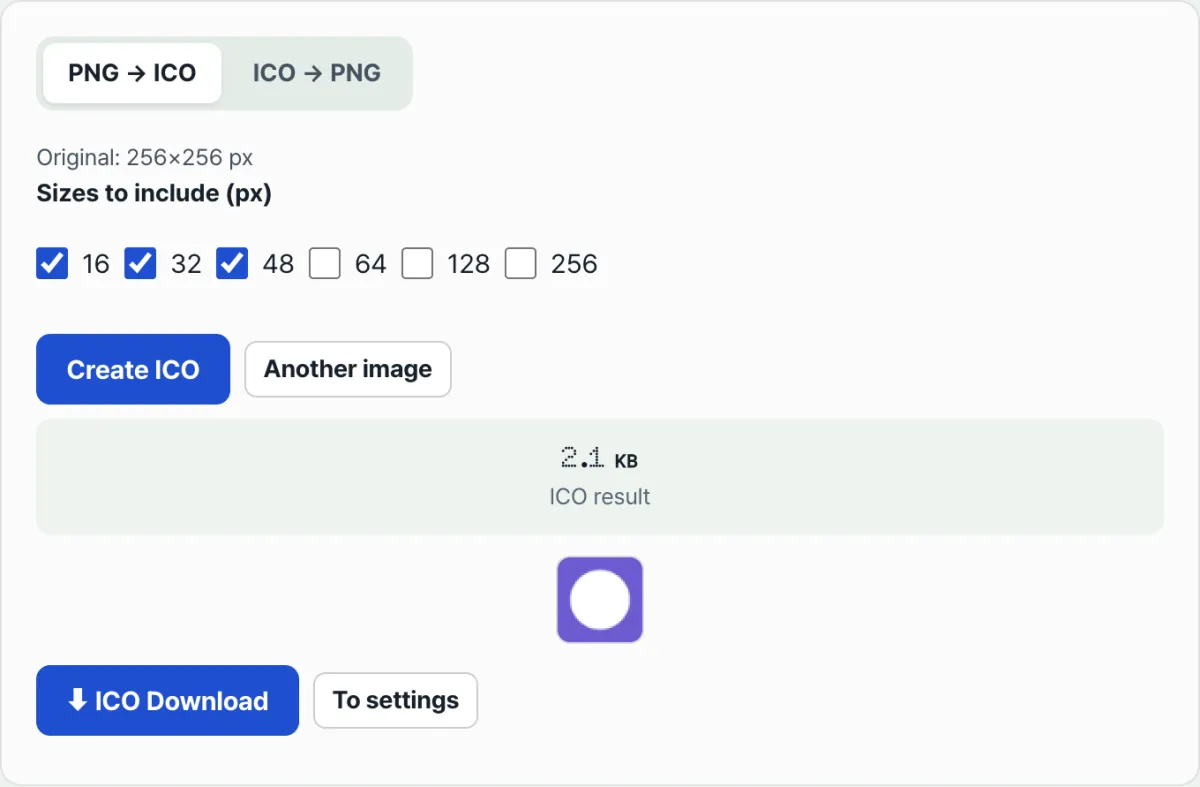
If you'd rather skip the command line and installs, you can upload a square PNG in your browser, check just the sizes you want, and bundle them into one ICO — our ICO ↔ PNG Converter is a good place to check that.
Free, no install. Upload a PNG, check the sizes you want, and get an ICO with multiple resolutions right away.
Upload a PNG, check the sizes you want from 16, 32, 48, 64, 128, and 256px, then press the create button. The tool renders each of those sizes and bundles them into one .ico file. In the other direction, upload an ICO and it picks the largest of the resolutions inside and extracts it as a PNG.
Common places people get stuck
| Symptom | Cause | How to check |
|---|---|---|
| Renamed a PNG to .ico and it doesn't work | A file with only a changed extension doesn't have real ICO container structure | Check whether the first 6 bytes contain the reserved, type, and count header |
| Uploaded an image that isn't square | Each resolution is rendered ignoring the aspect ratio, so it stretches into a square | Crop the original to a square first, then convert |
| The favicon.ico I made looks mushy at large icon sizes | An ICO saved with only a 16px image is being scaled up | Check whether you selected several sizes between 16 and 256px |
| The PNG extracted from an ICO is smaller or bigger than expected | Only the single largest image by area is pulled out automatically | Keep the original PNG separately if you need other sizes |
| I uploaded a new favicon but the tab icon didn't change | The browser often has the old file cached | Hard refresh, or rename the file to get around the cache |
Wrap-up
A favicon.ico isn't a single photo — it's a container holding multiple resolutions in one file. Just 6 bytes of header tell you how many are inside, and you can build one yourself with several sizes using tools like Pillow or ImageMagick.
If you'd rather upload a square PNG in your browser, check only the sizes you need, and bundle them right away — or go the other way and pull the image out of an existing ICO back into a PNG — try it below.
Free, no install. Upload a PNG, check the sizes you want, and get an ICO with multiple resolutions right away.
FAQ
How many sizes should a favicon.ico include?
There's no set standard number. Because browser tabs, bookmarks, and Windows icons are used in different places, it's common practice to include 16, 32, and 48px as a baseline and add 64px or larger to cover high-DPI screens.
I converted an ICO to PNG: where did the other sizes inside it go?
Even if an ICO contains several resolutions, the conversion usually picks only the single image with the largest area and outputs it as a PNG. The other sizes are still in the original ICO file, but they don't come out in the extracted result.
Can I just rename a PNG file to .ico and use it?
Not recommended. ICO is a separate file structure that requires a defined header and an image list (directory) at the front. A PNG with only a changed extension lacks that structure, so programs that expect an ICO may not open it.
This article was adapted from our Korean original. Read the Korean original